
Deta Surf
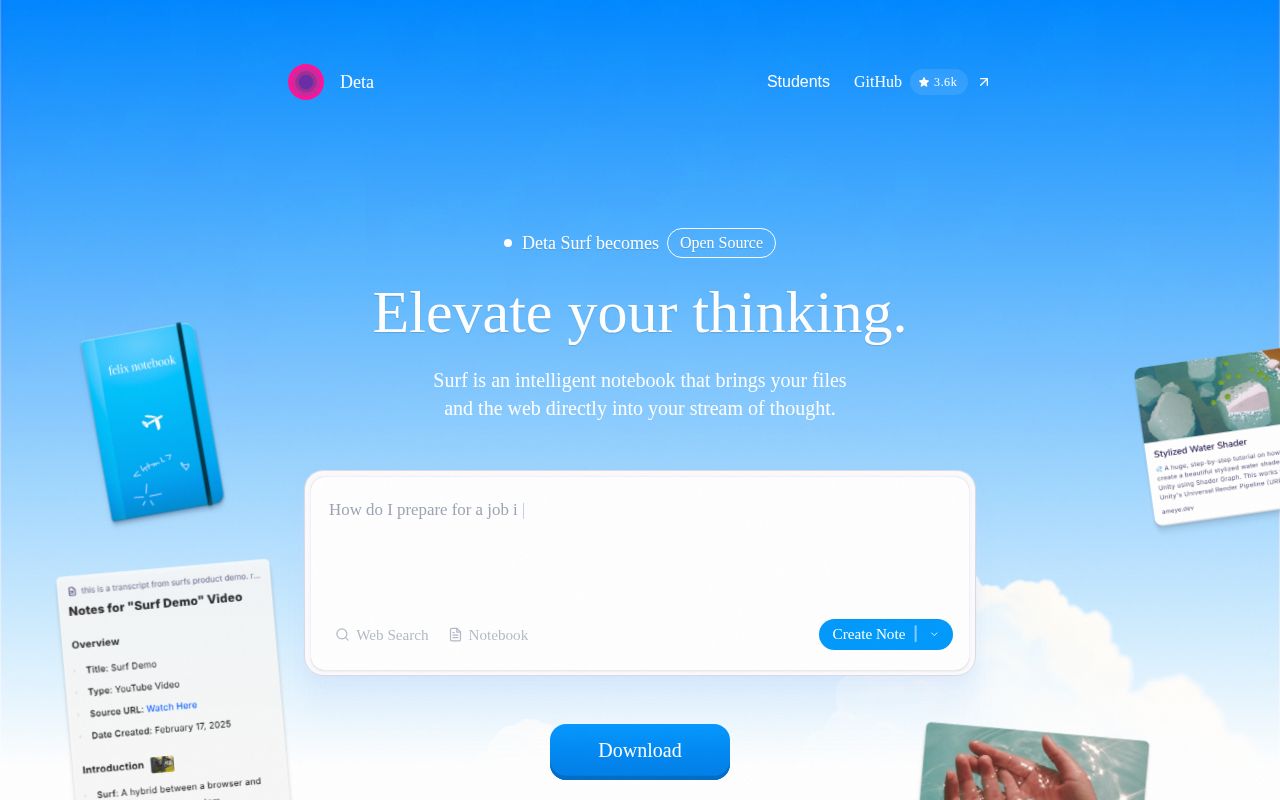
Deta Surf is an intelligent notebook that brings web pages, YouTube videos, PDFs and local files into a single thinking flow. You can ask questions, take notes and generate content with cited sources while you browse.
Alternatives
Tech stack
No tech stack added yet. Sign in to suggest some
Surf combines a browser and a notebook, with the goal of reducing the back-and-forth between tabs, note-taking apps and AI tools. Web pages, videos, PDFs and notes all live in the same workspace, so you can ask questions, get answers and keep writing without leaving your notes. According to its website, it has gone open source and is now open for Beta testing.
Key features
- Notes from media: Generate personal notes based on the content of web pages, videos and files, reducing manual copy-pasting.
- Summaries and deep dives: See a summary, or dig deeper with follow-up questions. Well suited to long YouTube videos, PDFs with hundreds of pages, foreign-language content and scientific figures.
- Notebooks: Collect websites, images, files and notes in one notebook, and personalize it with hand-drawn sketches.
- Source citations: Citations in your notes link directly to the original sources.
- Surflets: Create interactive charts and small apps that explain content, without writing any code.
- Browser experience: Includes a vertical tab sidebar and dark mode.
- Local file import: PDFs, images and documents can be dragged and dropped straight into the workspace.
Privacy and openness
- Local data: Your data is stored on your own device, and you can import, export and manage it yourself.
- Open source: The core source code is public on GitHub (deta/surf).
- Open AI choice: You can connect the large language model of your choice using your own API key, or run a local model.
Who it's for
Surf suits researchers, students, content creators and knowledge workers who read a lot of web pages, papers, videos and documents. The website also has a dedicated page for students. If you want an AI research workbench where your data stays local and you can freely choose your model, Surf is also a good fit.
How to get it
Click Download Surf on the website to download the client, which is currently in open Beta. Using the AI features requires connecting to a large model service (bring your own key) or a local model. For specific system support and installation requirements, refer to the website and the GitHub repository.
Discover more

Joplin
An open-source, cross-platform note-taking and to-do app with end-to-end encrypted sync
Obsidian LiveSync
A community sync plugin for Obsidian with self-hosted sync and end-to-end encryption
Reflect
Reflect is a modern knowledge management app designed to improve your personal knowledge by mimicking the way the brain works. It uses AI technologies such as GPT-4 and Whisper to improve your writing and help you organize your ideas.

SiYuan
A local-first, privacy-focused note-taking app with block-level references and bidirectional links
Obsidian
Obsidian is a local-first note-taking and knowledge management tool built around Markdown, designed for building and maintaining a personal knowledge base. With its "networked notes" and "bidirectional links" features, it connects scattered note fragments into a visual knowledge graph, helping users organize and discover information efficiently.

Memos
A lightweight, open-source, self-hosted knowledge base and note-taking service