
Alternatives
Tech stack
No tech stack added yet. Sign in to suggest some
Note: We were unable to fetch the official website (https://chatwise.app/), so the following content is based on existing knowledge of the product. Features, pricing, and supported platforms may have changed, so please refer to the official website.
Introduction
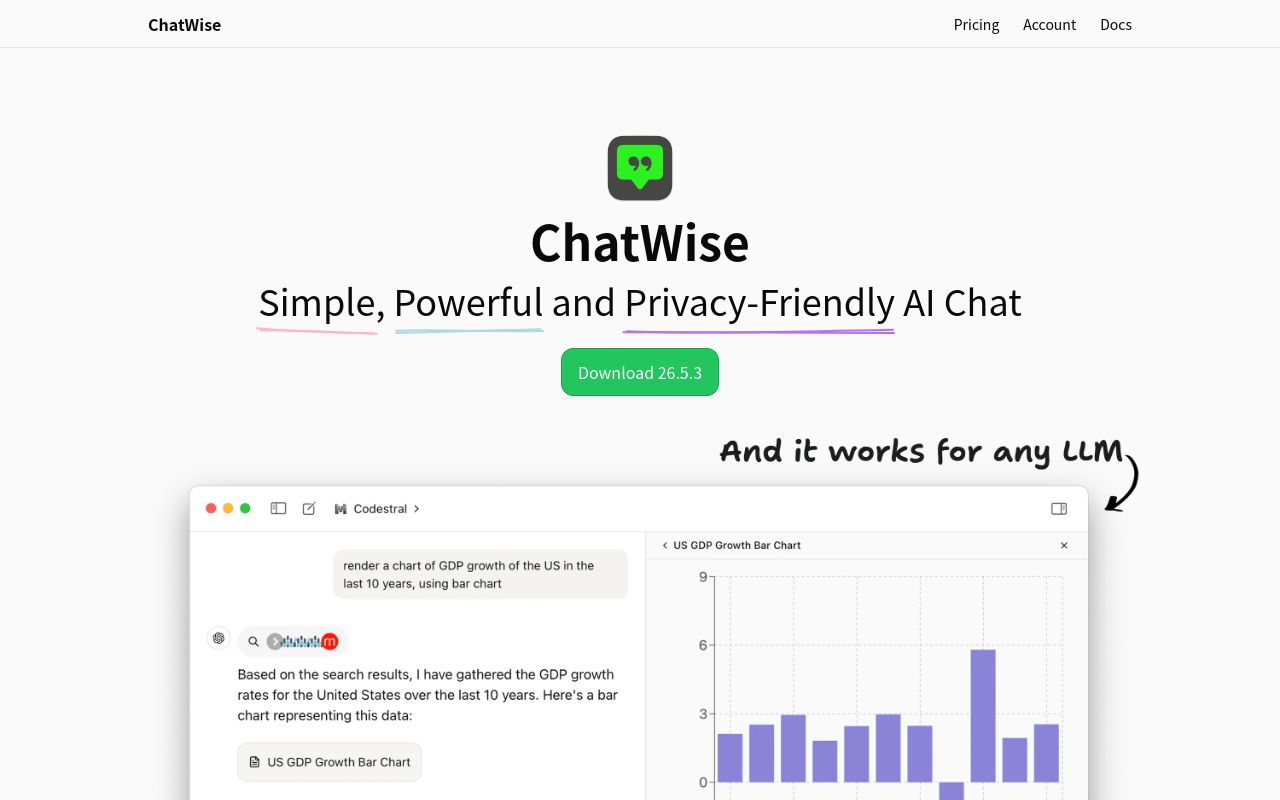
ChatWise is a desktop AI chat client that focuses on speed and a clean interface. It works on a bring-your-own-API-key basis: once you enter your keys from various model providers, you can chat with different large language models in a single unified interface. You don't need to subscribe to each model's official chat product separately; you simply pay for actual API usage.
Key Features
- Multi-model support: Works with major providers such as OpenAI, Anthropic (Claude), and Google Gemini, as well as aggregation platforms like OpenRouter and custom services compatible with the OpenAI API.
- Local models: Can connect to local inference tools such as Ollama, so you can run open-source models on your own machine.
- Conversation management: Saves and organizes your chat history, making it easy to find past conversations and pick up where you left off.
- Extended capabilities: Offers enhancements such as web search and tool calling. Some advanced features may require a paid version; please check the official website for details.
Target Users
- Users who work with several large models and want to manage them all in one app
- Developers and power users who already have API keys and prefer pay-as-you-go over subscribing to multiple services
- Privacy-conscious users who want to run models locally
Core Advantages
- A native desktop experience, with no need to keep a browser tab open all the time
- One client for multiple model providers, making it easy to compare and switch between them
- Pay by API usage, so costs stay under control
Installation and Usage
- Go to the official website https://chatwise.app/ and download the installer for your operating system.
- After installing, add your model provider's API key in Settings, or enter the address of a local model service (such as Ollama).
- Choose a model and start chatting.
Technical Requirements
- A desktop operating system (primarily aimed at macOS, with a Windows version also available; please check the official website)
- An API key from the model provider you use, or a locally deployed model service
Notes
- When using cloud models, API fees are charged separately by each provider.
- This software is not open source. For specific pricing plans and feature differences, please check the official website.
Discover more

2FAuth
Manage your Two-Factor Authentication (2FA) accounts and generate their security codes.
AlertHub
Get alerts from GitHub releases.

Anchr
Toolbox for tiny tasks on the internet, including bookmark collections, URL shortening and (encrypted) image uploads.
Animate UI
Animate UI is a set of React components for creating smooth, engaging user interfaces. Built with Tailwind CSS and Motion, it aims to complement projects such as shadcn/ui and Magic UI by offering a wide range of animated components.

Anubis
Weighs the soul of incoming HTTP requests to stop AI crawlers

Baby Buddy
Helps caregivers track baby sleep, feedings, diaper changes, and tummy time.