
mcporter
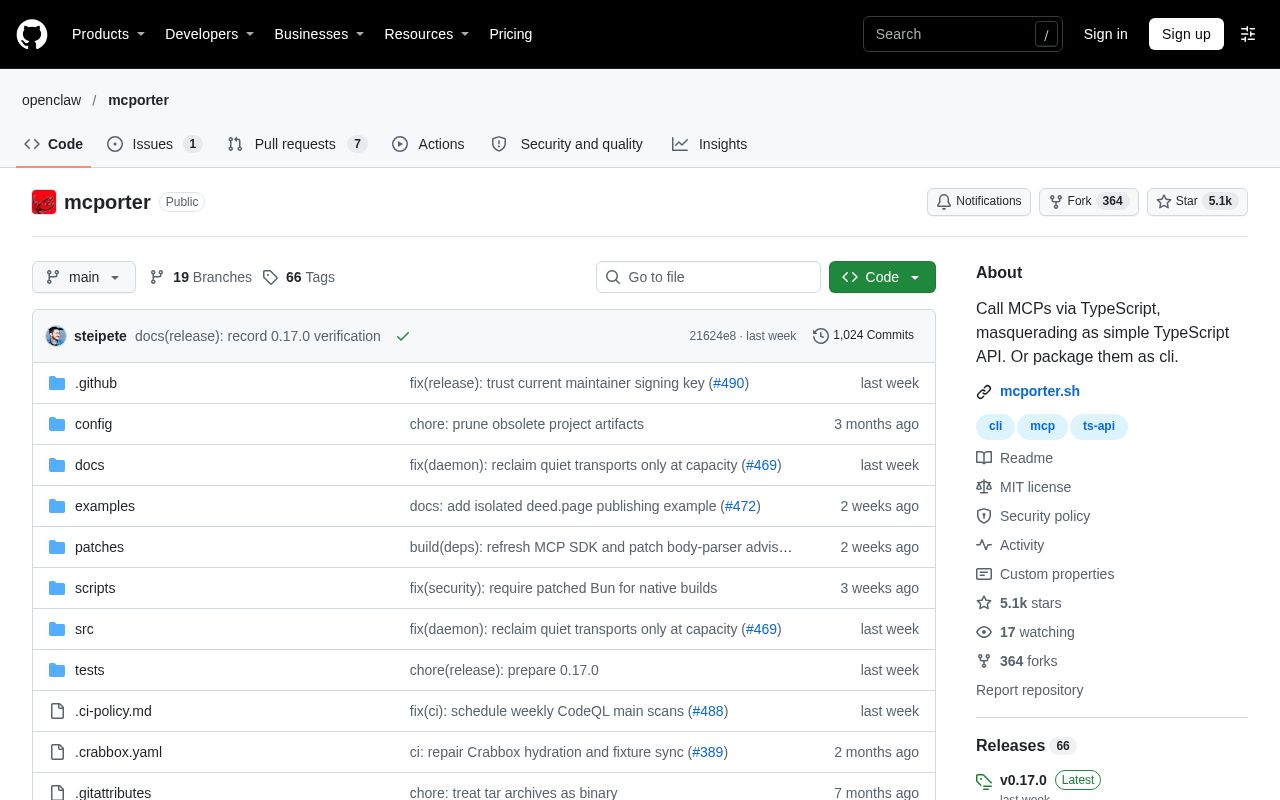
MCPorter is a TypeScript runtime and command-line tool for discovering and calling Model Context Protocol (MCP) servers. Developers and coding agents can use the same set of MCP tools from the terminal, in scripts, or in generated standalone CLIs.
Alternatives
Tech stack
No tech stack added yet. Sign in to suggest some
MCPorter is built for developers who need to use MCP tools from the terminal, in scripts, and in coding agents. It turns MCP server tool calls into ordinary command-line commands and a TypeScript API.
Key features
- Discovery and calls:
mcporter listlists servers and their tools, printing TypeScript-style tool signatures.mcporter callcalls a tool, andmcporter resourcereads a resource. - Ad hoc connections: Use
--http-urlor--stdioto connect to a one-off URL or stdio command without writing a config first. - Configuration and import: Reads project-level and user-level configuration, and imports existing MCP server definitions from Cursor, Claude Code and Desktop, Codex, Windsurf, OpenCode, and VS Code. Config files support JSONC and environment variable placeholders, and can define HTTP or stdio servers, OAuth, tool filtering, and lifecycle policies.
- OAuth management:
mcporter authandmcporter vaultcomplete or pre-provision OAuth authorization. SettingMCPORTER_VAULT_PASSWORDencrypts the OAuth vault at rest. - CLI generation:
mcporter generate-clican package an MCP server as a focused standalone command-line tool. - TypeScript types and client generation:
mcporter emit-tsoutputs types or a typed client. - Record and replay:
mcporter recordandmcporter replaycapture reproducible MCP sessions. - TypeScript runtime:
createRuntime()suits cases where you want to reuse connections or make multiple calls,callOnce()handles a single call and cleans up automatically, andcreateServerProxy()maps MCP tool names to camelCase methods and provides result helpers for text, Markdown, JSON, images, and raw content. - Protocol support: Supports stdio, Streamable HTTP, and legacy SSE, negotiating the current or an older protocol version per server. Interactive CLI calls can answer form and URL requests, while headless mode and daemon-hosted calls reject such requests with a message.
- Persistent daemon: Can keep a pool of server connections alive, integrates with Chrome DevTools, and can also control Chrome through an OpenClaw extension relay.
Who it's for and use cases
- Developers who want to call MCP tools from shell scripts or Node projects.
- Teams that need coding agents to use MCP servers through the command line.
- Tool authors who want to package commonly used MCP servers as standalone CLIs for distribution.
Installation and running
Try it without installing:
npx mcporter --version
For long-term use, install it:
brew install steipete/tap/mcporter
# or
npm install -g mcporter
Quick try:
npx mcporter list https://mcp.context7.com/mcp --brief
To use the TypeScript runtime in a project, just add mcporter as a dependency with your package manager. The website also offers signed macOS binaries; see the installation guide for details.
Technical requirements and characteristics
- Installing via npm requires Node 24 or later.
- Licensed under MIT.
- Human-readable output goes to stdout by default, and you can switch to JSON output when you need stable results that other programs or agents can parse.
- The project is maintained by the openclaw organization, and the documentation site is mcporter.sh.
Discover more
Amp
Amp is a coding agent and development environment built for frontier models. It can run unattended on remote orb machines in the cloud, or locally on your own machine through the CLI.
Qwen Code
Qwen Code is a command-line AI coding assistant from the Qwen team (Tongyi Qianwen). In your terminal, you can use natural language to have it understand a codebase, generate and modify code, and carry out development tasks.

Atheos
Web-based IDE framework with a small footprint and minimal requirements, continued from Codiad.

Bencher
Suite of continuous benchmarking tools designed to catch performance regressions in CI.

Bruno
Opensource IDE For Exploring and Testing API's (lightweight alternative to Postman/Insomnia)
CLIProxyAPI
Wrap Gemini CLI, Antigravity, ChatGPT Codex, Claude Code, Qwen Code, iFlow as an OpenAI/Gemini/Claude/Codex compatible API service, allowing you to enjoy the free Gemini 2.5 Pro, GPT 5, Claude, Qwen model through API