
OpenScreen
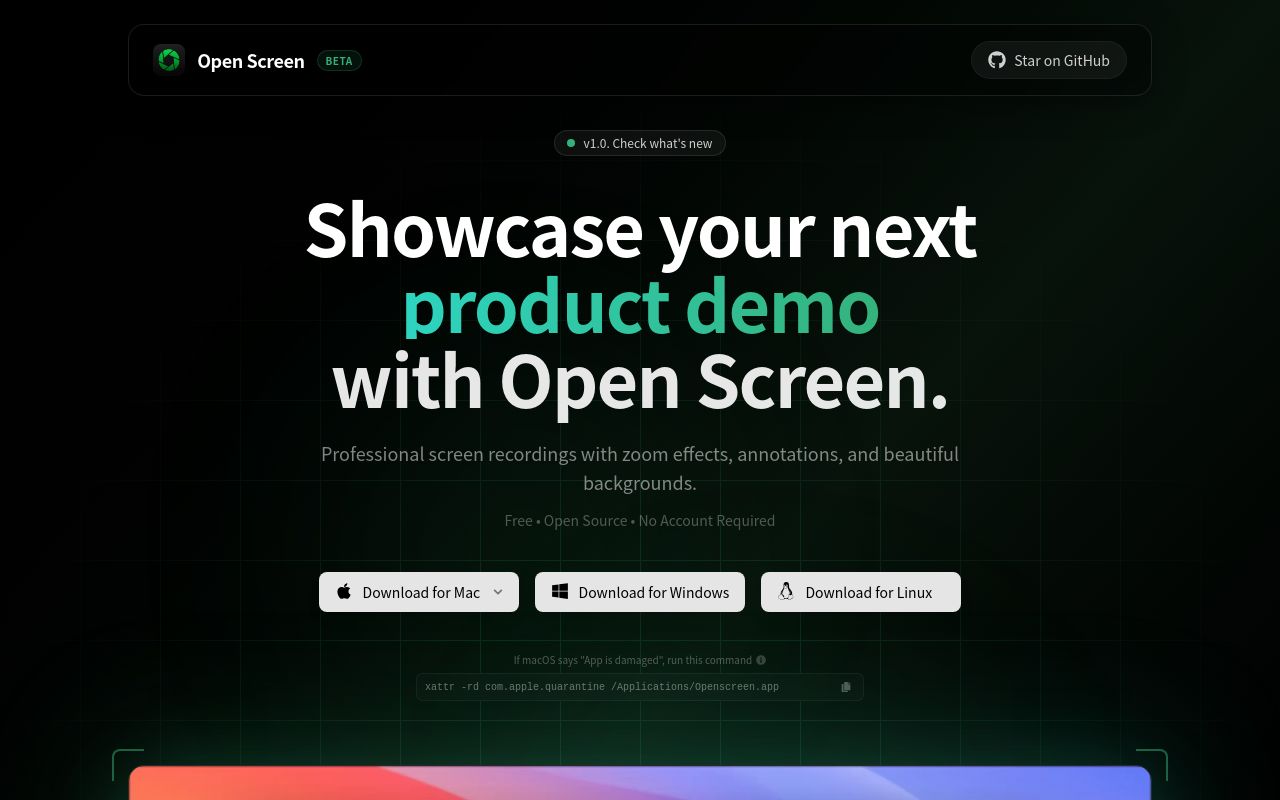
OpenScreen is an open-source screen mirroring and remote control solution allowing users to display and interact with one device's screen on another.
代替サービス
技術スタック
OpenScreen: Open-Source Screen Mirroring and Remote Control
OpenScreen is a versatile open-source tool designed for screen mirroring and remote control functionalities. It enables users to seamlessly display and interact with one device's screen on another, promoting collaboration and remote assistance.
Key Features and Characteristics:
- Screen Mirroring: Real-time display of one device's screen on another.
- Remote Control: Allows controlling the mirrored device from the viewing device.
- Cross-Platform Compatibility: Works across various operating systems and devices (e.g., Windows, macOS, Linux, Android, iOS, Web).
- Open-Source: Freely available and modifiable under the MIT License, encouraging community contributions and customization.
- WebRTC Technology: Utilizes WebRTC for efficient and secure peer-to-peer communication, minimizing latency.
- Simple Setup: Easy to install and configure with minimal technical expertise required.
- Secure Connection: Employs encryption to protect sensitive data during screen mirroring and remote control sessions.
Target Users and Use Cases:
- Remote Support: Providing technical assistance to remote users by viewing and controlling their screens.
- Presentations and Demonstrations: Sharing screen content during presentations, demos, and collaborative sessions.
- Education and Training: Facilitating remote learning and training by displaying instructor's screen to students.
- Gaming and Entertainment: Mirroring mobile games or media content onto larger screens for enhanced viewing experience.
- Personal Use: Accessing and controlling personal devices remotely.
Core Advantages:
- Cost-Effective: Eliminates the need for proprietary screen mirroring solutions and expensive remote access software.
- Customizable: Open-source nature allows users to customize the application to suit their specific needs.
- Secure: WebRTC encryption ensures secure communication during screen mirroring and remote control sessions.
- Easy to Use: Simple and intuitive user interface makes it easy for users of all technical skill levels to use.
- Cross-Platform: Works across various devices and operating systems, promoting flexibility and accessibility.
Installation/Deployment (General Guidance):
As an open-source project, installation may involve cloning the repository, installing dependencies (e.g., Node.js, npm/yarn), and building the application. Refer to the project's documentation (README file on GitHub or the official website) for detailed instructions. Deployment options may include hosting the application on a web server or packaging it as a standalone application for different platforms.
Technical Requirements:
- Web browser with WebRTC support.
- Node.js and npm/yarn for development (if building from source).
- Network connectivity for screen mirroring and remote control sessions.
Noteworthy Features:
- Potential for integration with other applications and services through APIs.
- Actively maintained and improved by the open-source community.
- Focus on simplicity and ease of use.
もっと見る
BiliNote
BiliNote 是一款开源的 AI 视频笔记生成工具,主要帮助用户将 B 站、YouTube、抖音等平台的视频快速转换为结构化的 Markdown 笔记。
Claude Code Usage Monitor
A tool to track and monitor code generation usage of Claude, providing insights into performance, efficiency, and cost.
OneFolderApp
OneFolderApp 是一款开源的图片管理工具。

Orca
[Orca](https://www.onorca.dev/) 是一款面向 AI 时代的桌面级 Agent Development Environment(ADE),由旧金山初创公司 Lovecast Inc. 开发,获 Y Combinator 支持,以 MIT 许可证开源发布。 Orca 的核心理念是将传统 IDE 的设计中心从"单个人类开发者"转移至"人类 + AI 代理舰队"。用户可以同时运行 [[Claude Code]]、[[Codex]]、Gemini、GitHub Copilot、OpenCode 等 25 个以上的 AI 编码代理,每个任务独占一个隔离的 [[Git Worktree]],从而实现真正意义上的并行开发。Orca 本身不提供任何 AI 模型,用户自带订阅(Bring Your Own Subscription)即可接入已有的 AI 服务。
Playwright
Playwright 是微软开发的一个开源浏览器自动化框架,主要用于 Web 测试、爬虫和自动化操作。 它支持 Chromium、Firefox 和 WebKit 等主流浏览器内核,能跨平台运行(如 Windows、Linux、macOS),并提供 Python、JavaScript、Java 和 C# 等多种语言绑定。
Puppeteer
Puppeteer 是一个由 Google Chrome 团队开发的 Node.js 库,用于通过 DevTools 协议控制 headless Chrome 或 Chromium 浏览器。