
La Terminal
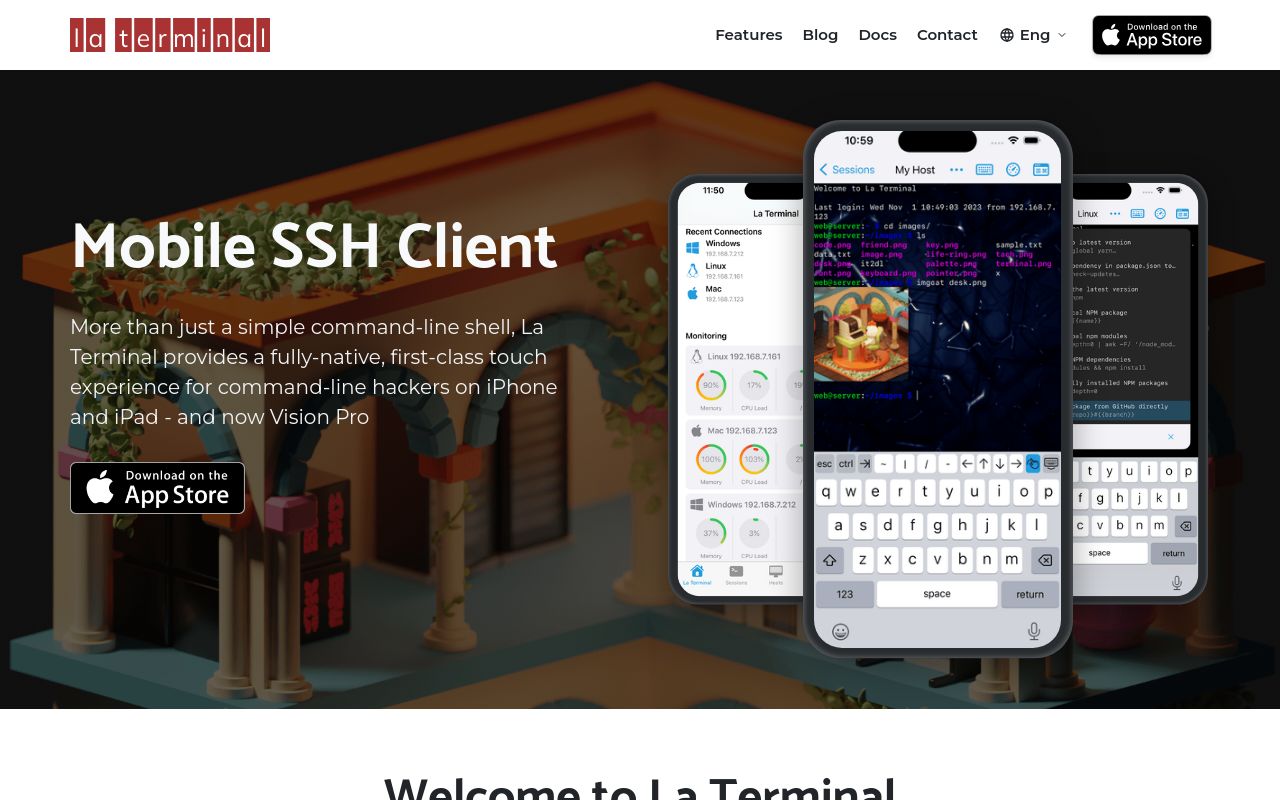
La Terminal is a highly configurable terminal emulator and SSH client for modern workflows, offering a powerful and customizable command-line experience.
대안 서비스
기술 스택
La Terminal: A Modern Terminal Emulator and SSH Client
La Terminal is designed to provide a superior command-line experience with a focus on customization, modern features, and cross-platform compatibility.
Key Features and Characteristics:
- Highly Customizable: La Terminal allows extensive customization of appearance, keybindings, and functionality to suit individual user preferences and workflows. Users can tailor the terminal to perfectly match their coding or system administration style.
- Integrated SSH Client: Built-in SSH client functionality simplifies secure remote server access, enabling users to manage remote machines directly from the terminal.
- Cross-Platform Compatibility: La Terminal is designed to work seamlessly across multiple operating systems (Windows, macOS, Linux), providing a consistent experience regardless of the user's platform of choice.
- Modern User Interface: A clean and modern user interface enhances productivity and makes the terminal more approachable, even for users who are less familiar with command-line tools.
- Tab and Window Management: Efficient tab and window management allows users to organize multiple terminal sessions and tasks within a single application window.
- Themes and Color Schemes: A wide variety of themes and color schemes are supported, enabling users to personalize the look and feel of the terminal and improve readability.
- Plugin Support: Extensibility through plugins allows developers to add custom functionality and integrate La Terminal with other tools and services.
Target Users and Use Cases:
- Software Developers: Ideal for developers who spend a significant amount of time in the command line, providing a customizable and productive environment for coding, building, and testing software.
- System Administrators: Simplifies server management tasks with the integrated SSH client and powerful command-line tools.
- DevOps Engineers: Provides a centralized and efficient platform for managing infrastructure and deploying applications.
- Power Users: For anyone who prefers the efficiency and control of the command line over graphical interfaces.
Core Advantages:
- Improved Productivity: The customizable nature of La Terminal helps users optimize their workflow and increase their efficiency.
- Enhanced Security: The built-in SSH client provides secure remote access to servers and other systems.
- Flexibility and Adaptability: La Terminal can be tailored to suit a wide range of tasks and user preferences.
- Modern and User-Friendly: The modern user interface makes La Terminal accessible and enjoyable to use.
Installation/Deployment:
While specific installation instructions may vary depending on the platform, La Terminal typically offers installation packages for common operating systems, such as:
- Windows: Installers (e.g.,
.exefiles) are provided for easy installation. - macOS: Install via
.dmgfiles or package managers like Homebrew. - Linux: Package managers like
apt,yum, orpacmancan be used to install La Terminal, depending on the distribution.
Refer to the official La Terminal documentation for detailed installation instructions for your specific platform.
Technical Requirements:
- Operating System: Windows, macOS, or Linux.
- Sufficient system resources (RAM and CPU) to run the terminal emulator.
- Network connectivity for SSH client functionality (if applicable).
Notable Features:
- Configuration Files: Configuration is often managed through text-based configuration files, allowing for easy sharing and version control of settings.
- Regular Updates: La Terminal typically receives regular updates with new features, bug fixes, and performance improvements.
더 보기

Codex
OpenAI 推出的编程开发工具。
Cursor
Cursor는 Visual Studio Code를 기반으로 한 상용 AI 보조 통합 개발 환경(IDE)입니다. 프로젝트 맥락을 깊이 이해해 코드 생성, 리팩터링, 디버깅, 문서화를 지원하며 개발 효율과 코드 품질을 크게 높여 줍니다.
ShipAny
ShipAny is an AI-powered shipping platform that optimizes logistics, reduces costs, and provides real-time visibility for businesses of all sizes.

Claude Code
Claude Code는 Anthropic이 개발한 AI 코딩 어시스턴트입니다. 명령줄 터미널(CLI)에서 동작하는 '에이전트' 형태로, 자연어 지시만으로 복잡한 프로그래밍 작업을 완료하도록 개발자를 돕습니다.
Kimi Code
Kimi 发布的编程助手。
ShellBean
ShellBean is a platform that simplifies the creation and deployment of web applications by automating infrastructure management and development workflows.