
EchoPaste
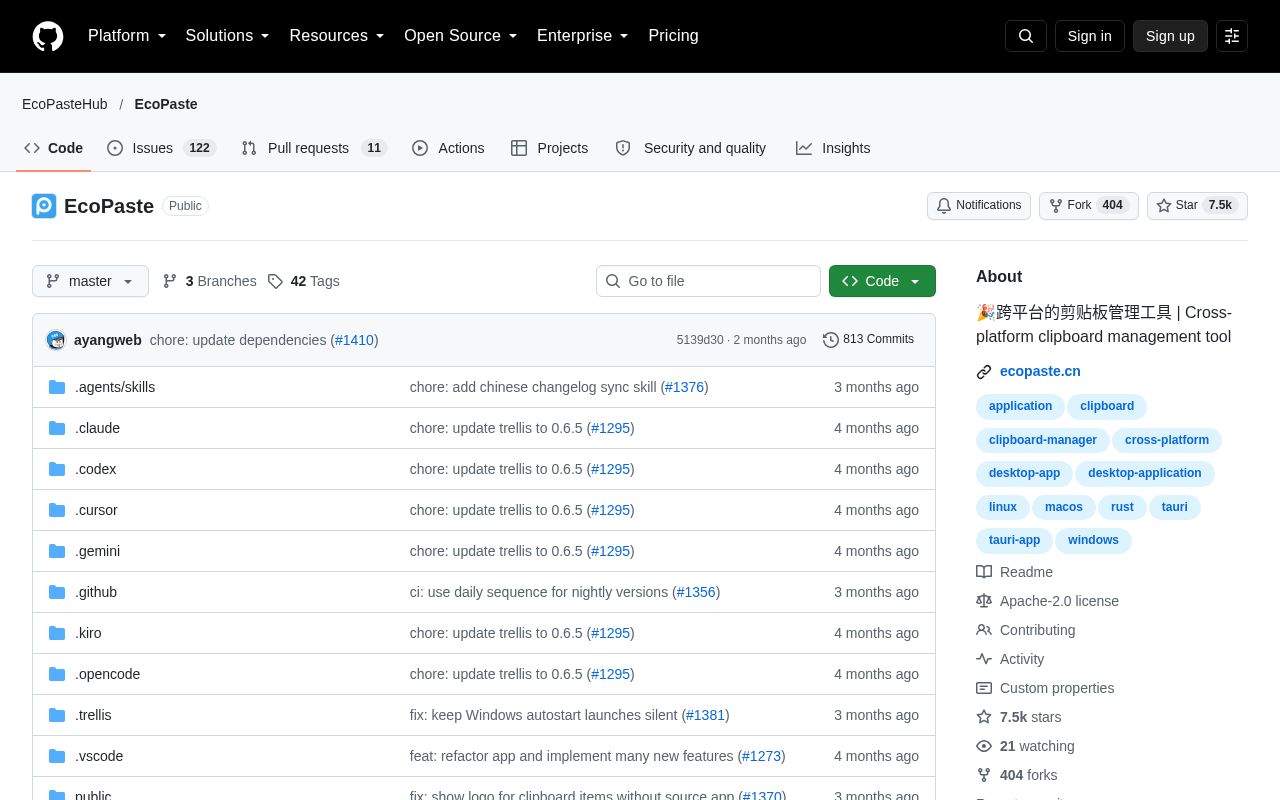
EcoPaste is a local-first desktop clipboard manager for macOS and Windows. It records many types of clipboard history and supports search, categorization, and backup.
Alternatives
Tech stack
No tech stack added yet. Sign in to suggest some
Note: The name you provided was "EchoPaste", but the official site (GitHub repository EcoPasteHub/EcoPaste) shows that the project's official name is EcoPaste. This entry is written using the official name.
EcoPaste is an open-source desktop clipboard manager built on a Rust-centered Tauri architecture: the core persistence logic lives in Rust, while the React frontend handles only UI rendering and interaction. The project aims to be fast, lightweight, and easy to maintain. It uses local storage and SQLite search, and offers native shortcuts, tray integration, and backup support.
Key Features
- Multi-type history: Records plain text, HTML, RTF, images, files, and folders.
- Full-text search: Searches clipboard content and notes using SQLite FTS5.
- Filtering: Filter history by source app and content type.
- Sensitive content protection: Automatically skips high-confidence sensitive data, such as private keys, service tokens, AWS keys, and JWTs.
- Preview: View text, images, and files in a separate preview window.
- Rich item actions: Paste, copy, copy as plain text, show in file manager, open links, add notes, pin, favorite, delete, and drag items into other apps.
- Organization: Supports favorites, pinning, notes, custom groups, and configurable item actions.
- Adjustable settings: Adjust capture order, size limits, retention period, display density, list sorting, and window behavior.
- Backup and restore: Export and import
.ecopastebakbackups, with support for encrypted backup containers. - Local-first: Clipboard data, asset files, and settings are all stored on your own machine.
Target Users and Use Cases
Suited to users who copy and paste frequently, such as developers, writers, designers, and office workers. With EcoPaste, they can retrieve content they copied earlier instead of copying it again. It's also a good fit for privacy-conscious users who don't want to hand their clipboard contents over to the cloud.
Core Strengths
- Local storage, so your data never leaves your device.
- A Rust + Tauri architecture that aims for lightness and speed.
- Built-in sensitive information filtering, reducing the risk of passwords, keys, and similar content lingering in your history.
- Licensed under Apache-2.0, with public code that you can review yourself and contribute to.
Installation and Technical Requirements
- The README currently states support for macOS and Windows. The repository's Topics still list Linux, but the README's main description mentions only these two platforms, so please check the official releases for Linux support.
- For installation methods and installers, see the project website ecopaste.cn or the Releases page of the GitHub repository.
- The tech stack is Tauri v2, Rust, React 19, and SQLite. If you want to build it yourself or contribute to development, see the contribution guide (CONTRIBUTING.md) in the repository.
Worth Noting
- The repository has about 7.3k stars on GitHub and provides READMEs in Simplified Chinese and English.
Discover more
Deck
Deck is a native, privacy-first clipboard manager for macOS. It records text, images, files, and other content, and offers search, smart rules, OCR, and more. Data is stored only on your Mac by default.
Android Room
Room is the persistence library in Android Jetpack. It provides an abstraction layer on top of SQLite, letting developers access a local database more smoothly while keeping the full power of SQLite. It validates SQL queries at compile time and offers annotations that reduce boilerplate code.

Bencher
Suite of continuous benchmarking tools designed to catch performance regressions in CI.

Conduit
A simple, fast, and reliable chat server powered by Matrix.
Continuwuity
Community-driven Matrix homeserver, the continuation of conduwuit focusing on user experience and new features (fork of Conduit).

HyperSwitch
Payment switch to make payments fast, reliable and affordable. Connect with multiple payment processors and route traffic effortlessly, all with a single API integration.