
Deck
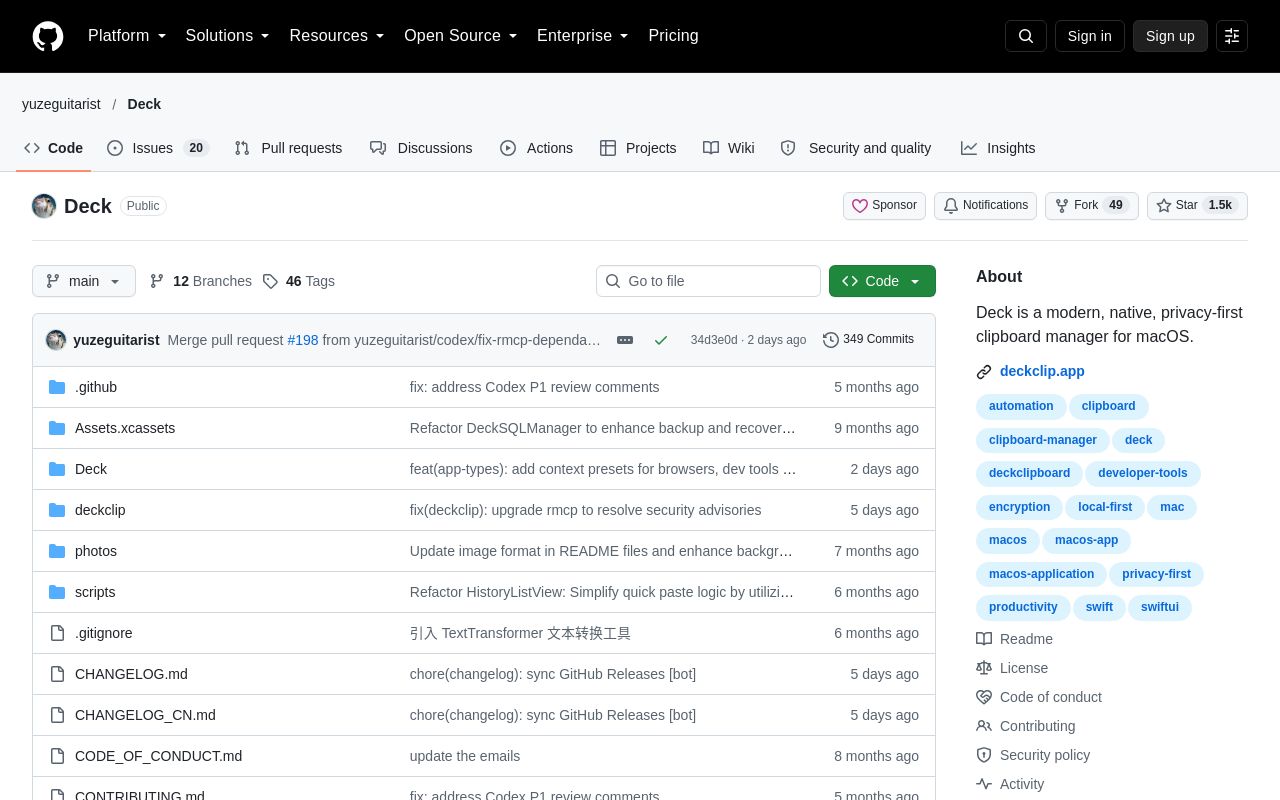
Deck is a native, privacy-first clipboard manager for macOS. It records text, images, files, and other content, and offers search, smart rules, OCR, and more. Data is stored only on your Mac by default.
Alternatives
Tech stack
No tech stack added yet. Sign in to suggest some
Deck is a modern, native clipboard manager for macOS, built with Swift / SwiftUI and focused on local-first operation and privacy. It records your clipboard history, and you can bring up its panel with a keyboard shortcut to search, preview, and paste entirely from the keyboard.
Key Features
- Clipboard history and search: Records text, images, files, colors, links, and rich text. Supports keyword, regex, and type-based search, as well as local semantic search based on NLEmbedding. Slash-triggered search rules let you filter by app, date, or type.
- Organizing and sorting: Give items custom titles, add tags, and use smart categories. Items are ranked by their relevance to the app you are currently using.
- Smart features:
- Smart rules: Match items by condition and run actions, with support for JavaScript script plugins.
- OCR: Extracts text from images in the background using the Vision framework, with multi-language support.
- Cursor assistant: Press Shift three times to get context-aware clipboard suggestions at the cursor.
- Template library: Save reusable clipboard templates and paste them at the cursor position.
- Text transformations: JSON formatting and minifying, Base64, URL encoding/decoding, case conversion, timestamp parsing, MD5, line sorting and deduplication, and more.
- IDE source anchors: When you copy from VS Code, Xcode, JetBrains, Cursor, or Windsurf, the file path and line number are recorded automatically, so you can click to jump back.
- Other: Figma content recognition, link previews and QR code generation, tracking-parameter cleanup for links, instant calculations, and detection of emails, URLs, phone numbers, code languages, and JWTs.
- Privacy and security:
- Data is stored on your Mac by default.
- Unlock with Touch ID / Face ID before opening the panel.
- Bank card numbers are detected with the Luhn algorithm, and ID card or passport numbers are also detected; matching items are not recorded.
- Recording pauses automatically when a sensitive window title is detected, such as a password field or login page.
- You can choose to hide the panel during screen sharing or recording.
- Includes one-click recording pause and clipboard steganography (embedding hidden information in images or zero-width text).
- Sync and sharing: Supports LAN sharing with AES-GCM encryption and TOTP verification. You can also connect directly by IP address to work around VPN or Bonjour issues.
- Workflow: Queue mode lets you paste multiple items in succession. Also offers a keyboard-first design and an optional Vim mode. Other features include character-by-character typing-style paste, Siri Shortcuts integration through App Intents, a CLI Bridge for terminal automation, history export, and local usage statistics.
- Migration: Supports migrating data from clipboard apps such as Paste, Maccy, and CopyClip.
Target Users and Use Cases
Suited to macOS users who copy and paste frequently, including developers, designers, and content creators. It is also a good fit for privacy-conscious users who want their data to stay on their own machine, or anyone who wants to plug the clipboard into automated workflows using keyboard shortcuts and the command line.
Installation and Deployment
Homebrew:
brew tap yuzeguitarist/deck
export HOMEBREW_CASK_OPTS="--no-quarantine"
brew install --cask deckclip
Manual installation:
- Download the latest
.dmgfrom GitHub Releases. - Drag
Deck.appinto Applications. - Grant Accessibility permission under "System Settings → Privacy & Security", and grant Input Monitoring permission if prompted.
Quick start: Press Cmd + P to open the panel, use the arrow keys to select, and press Enter to paste. Shift + Enter pastes as plain text, Cmd + number quickly pastes items 1 through 9, and Option + Q toggles queue mode.
Technical Requirements
- macOS 14.0 or later
- Supports Apple Silicon and Intel
- Built with Swift 5.9+
Worth Noting
- License: Dual-licensed. The
deckclip/directory uses AGPL v3.0; the rest of the code is source-available (All Rights Reserved) and may not be used, modified, or redistributed without the author's written permission. The author permits use of the official compiled builds they publish. - Not notarized: The app is not notarized by Apple, so on first launch you may need to click "Open Anyway" in "Privacy & Security".
- Download and update notice: As of the time of crawling, the README advises not to download or update Deck for now because of a packaging issue. If you already have a working version installed, keep using it and avoid the in-app automatic update for the time being. Check the latest notes on the project homepage before using it.
Discover more
EchoPaste
EcoPaste is a local-first desktop clipboard manager for macOS and Windows. It records many types of clipboard history and supports search, categorization, and backup.

Snipaste
Snipaste is an easy-to-use screenshot tool that lets you pin screenshots to the screen, making it easier to work with information.
TomatoBar
TomatoBar is a macOS menu bar utility that enhances the system clock by displaying upcoming calendar events and reminders.
Apple Reminders
Apple Reminders is the to-do and reminder app built into Apple devices, which you can use to keep track of things to do, buy, and watch. It supports lists, subtasks, tags, smart lists, sharing, and grocery lists.
Aside
Aside is a browser redesigned for both people and AI agents. It works directly with the websites and accounts you're already logged into, handling complex browser tasks for you such as messaging, payments, and internal tool operations.
BrowserOS neo
BrowserOS neo (formerly BrowserClaw) is an open-source browser that runs locally and is built for AI agents such as Claude Code, Cowork, Codex and Cursor to drive over MCP, using the accounts you're already logged in to. You can watch every step the agent takes in real time and replay the whole session afterward.