
Charles
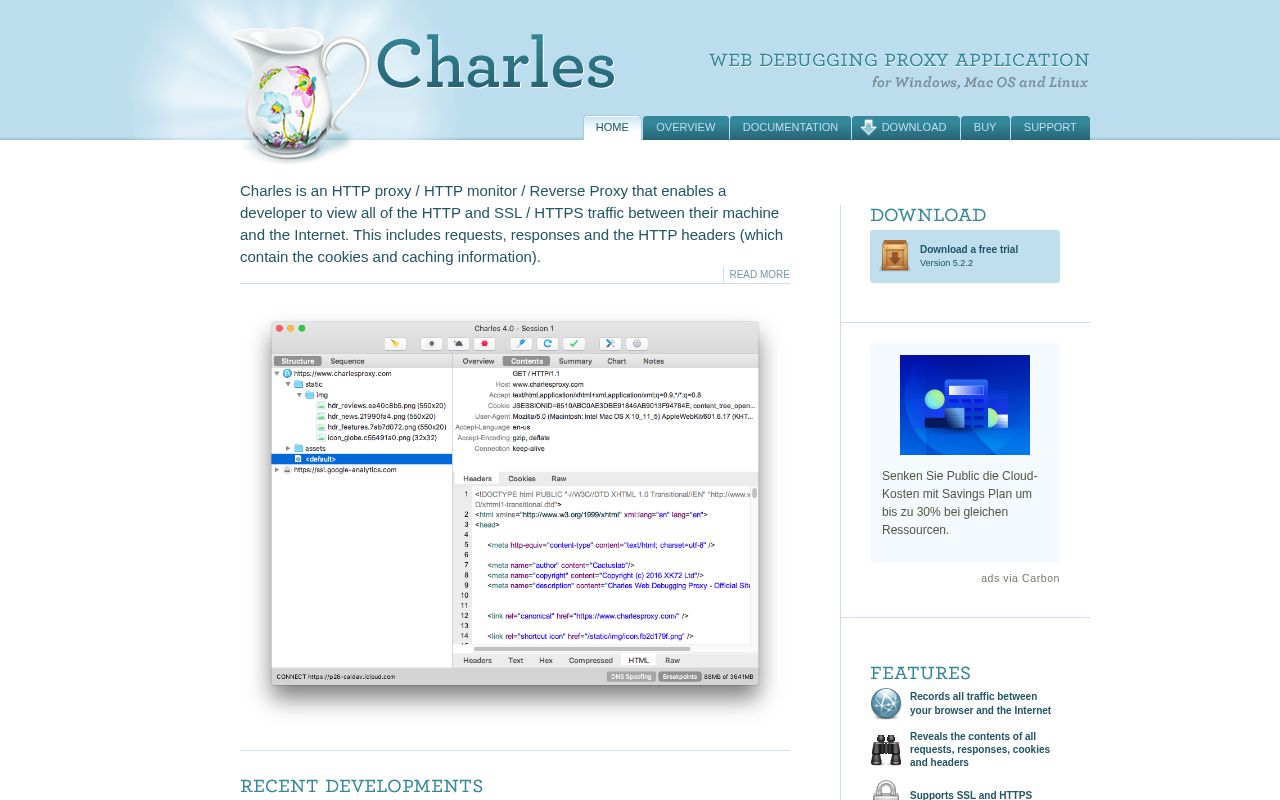
Charles is a web debugging proxy that runs locally on Windows, macOS and Linux. It records and displays the HTTP and HTTPS data exchanged between your browser or other applications and the internet, including requests, responses and headers.
Alternatives
Tech stack
No tech stack added yet. Sign in to suggest some
Charles, developed by XK72, is an HTTP proxy, HTTP monitor and reverse proxy tool. Once you configure your browser or another networked application to access the internet through Charles, it records and displays all the data sent and received on both sides. This lets developers see the actual communication between client and server and track down problems faster.
Key features
- Traffic recording: Records all traffic between your browser and the internet, and lets you inspect requests, responses, cookies and headers.
- SSL proxying: View SSL/HTTPS requests and responses in plain text.
- Bandwidth throttling: Simulate slower networks, including latency.
- AJAX debugging: View XML and JSON requests and responses as a tree or as text.
- AMF viewing: Display the contents of Flash Remoting / Flex Remoting messages as a tree.
- Repeat and edit requests: Resend requests to test backend changes, or modify requests to test different inputs.
- Breakpoints: Intercept requests or responses and edit them before they are sent.
- Content validation: Validate recorded HTML, CSS and RSS/Atom responses with the W3C validators.
- The official website also mentions download statistics, reverse proxying, and HAR and SAZ file import, among other capabilities.
Target users and use cases
- Web front-end and back-end developers: troubleshoot problems with API calls, request parameters and response content.
- Mobile app developers and testers: connect a phone to the internet through Charles on a computer to observe and modify app traffic.
- Testers: simulate poor network conditions to verify how an app behaves under low bandwidth and high latency.
Core strengths
- Strong visibility: every detail of requests and responses is visible, so there is no guesswork when troubleshooting.
- Modify and intercept: with breakpoints and request editing, you can verify edge cases without changing server code.
- Cross-platform: versions are available for Windows, macOS and Linux.
Installation and licensing
- Download the installer from the download page on the official website. The site shows the current version as 5.2.2 and offers a free trial.
- The trial period is 30 days, after which you need to purchase a license.
- The prices listed on the official website are: $50 each for 1-4 user licenses, $40 each for 5 or more, and $30 each for 10 or more. There are also a site license ($400) and a multi-site license ($700).
- Each license is valid for all updates within the major version at the time of purchase (currently 5.X). After the next major version is released, you can upgrade for 40% of the original price.
- The official website also mentions Charles for iOS (released in 2018); please refer to the official website for details.
Things to note
- To view HTTPS content in plain text, you first need to configure SSL proxying and install Charles's root certificate on the device.
- It is commercial software and is not open source.
Discover more
Whistle
Whistle is a cross-platform network debugging proxy that captures traffic over protocols such as HTTP, HTTPS, HTTP/2, and WebSocket, and lets you modify requests and responses with rules. It comes in two versions: a desktop client and a command-line tool.
ChangeDetection.io
A powerful open-source web page change detection and monitoring tool with support for multiple notification methods and flexible configuration options
DNS Benchmark
A batch DNS server benchmarking tool that locally measures the reachability and performance of DNS servers around the world and generates visual charts
DNS Manager
A simple, easy-to-use DNS management tool that supports multiple DNS providers and domain management
Egern
Egern is a network traffic management and proxy debugging tool for developers and operations engineers. It lets you intercept, analyze, and modify all kinds of network requests with fine-grained control, enabling efficient and flexible traffic control and debugging.

PlugNPiN
Automatically scrapes containers with specific labels and creates local DNS/CNAME entries in Pi-Hole/AdGuard Home and proxy hosts in Nginx Proxy Manager