
Whistle
Whistle is a cross-platform network debugging proxy that captures traffic over protocols such as HTTP, HTTPS, HTTP/2, and WebSocket, and lets you modify requests and responses with rules. It comes in two versions: a desktop client and a command-line tool.
Alternatives
Tech stack
No tech stack added yet. Sign in to suggest some
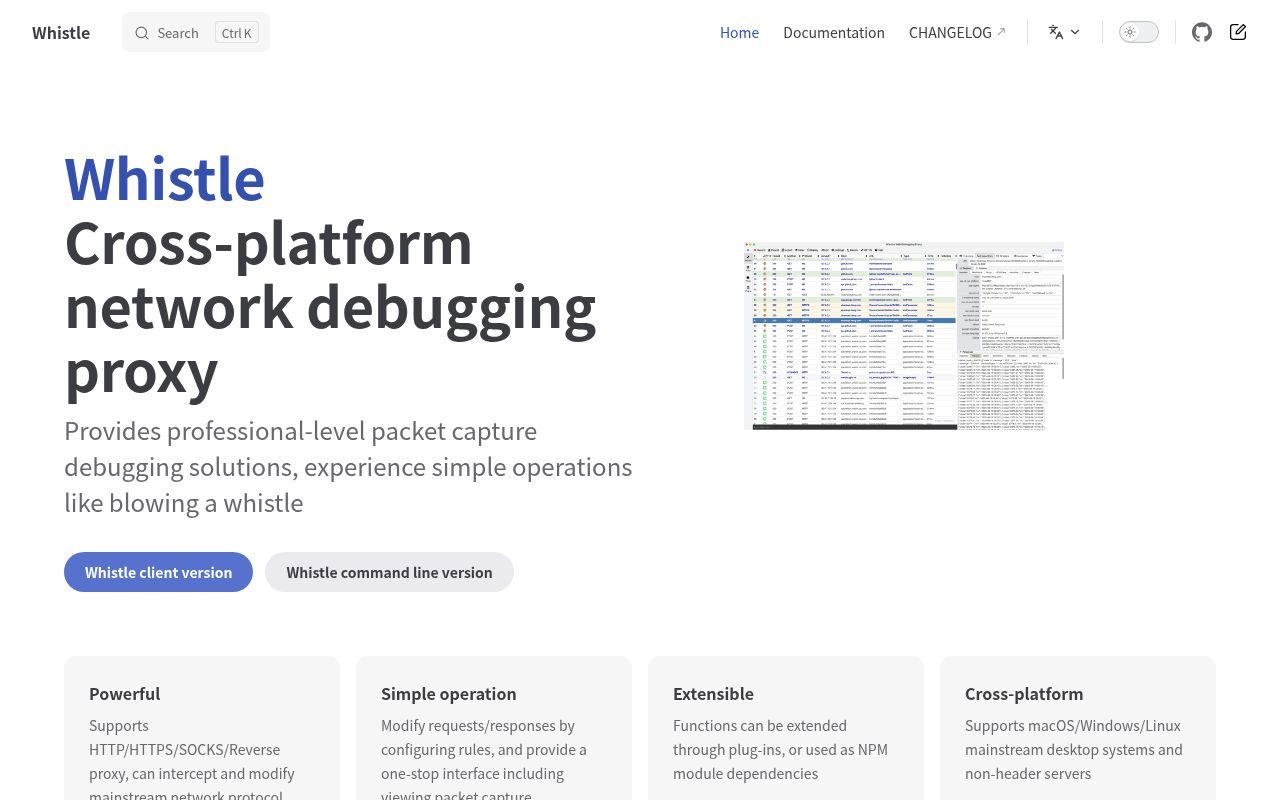
Whistle is a cross-platform network debugging proxy for capturing, inspecting, and modifying network traffic. Its website sums up its strengths as powerful, easy to use, extensible, and cross-platform.
Key Features
- Multi-protocol proxy: Supports HTTP, HTTPS, SOCKS, and reverse proxying, and can intercept and modify traffic across the major network protocols.
- Rule configuration: Modify requests and responses by configuring rules. Rule types include:
- Mapping to local files and mapping to remote addresses
- DNS spoofing (host) and forwarding to an upstream proxy
- Rewriting request and response headers, cookies, and bodies
- Injecting HTML, CSS, and JS
- Throttling and delays
- All-in-one interface: The web interface brings together traffic inspection (Network), rule configuration (Rules), Values, plugin management, request building (Composer), and HTTPS certificate settings.
- Built-in debugging tools: Includes debugging tools such as Weinre, as well as Console/Log features.
- Plugin extensions: Functionality can be extended through plugins, and Whistle can also be integrated into other projects as an NPM module.
- Mobile debugging: The official documentation explains how to set up the proxy on mobile devices.
Target Users and Use Cases
Whistle is aimed mainly at front-end and client developers, QA engineers, and back-end developers. They need to inspect API requests, simulate production data, rewrite response content, point production resources to local files, or debug mobile apps and H5 pages.
Installation and Deployment
The website offers two ways to install it:
- Desktop version: For macOS, Windows, and Linux with a graphical interface (such as Ubuntu and Fedora). The officially recommended option is the Whistle client (project avwo/whistle-client).
- Command-line version: For headless Linux servers, Docker containers, embedded systems, IoT devices, and the like (project avwo/whistle). The command-line version is built on Node.js and is usually installed globally via npm and then started. Refer to the README in the GitHub repository for the exact steps.
Notable Characteristics
- It is rule-driven and highly flexible. The rule syntax has a learning curve, but it gives you precise control over traffic.
- With both desktop and command-line versions, you can debug locally or deploy it on a server for a team to share.
- The project is hosted on GitHub, and the website provides documentation in both Chinese and English.
Discover more
Charles
Charles is a web debugging proxy that runs locally on Windows, macOS and Linux. It records and displays the HTTP and HTTPS data exchanged between your browser or other applications and the internet, including requests, responses and headers.

whois
Self-hosted WHOIS/RDAP API and MCP server for domains, IPv4/IPv6, CIDRs and ASNs.
ChangeDetection.io
A powerful open-source web page change detection and monitoring tool with support for multiple notification methods and flexible configuration options
Claude Relay Service
Claude Relay Service (CRS) is a self-hosted, open-source AI API relay service. It brings Claude, OpenAI (Codex), Gemini, Droid and other accounts together in one place, supports rotation across multiple accounts, assigns each user an independent API Key, and provides usage statistics and a web admin dashboard.
DNS Benchmark
A batch DNS server benchmarking tool that locally measures the reachability and performance of DNS servers around the world and generates visual charts
DNS Manager
A simple, easy-to-use DNS management tool that supports multiple DNS providers and domain management