
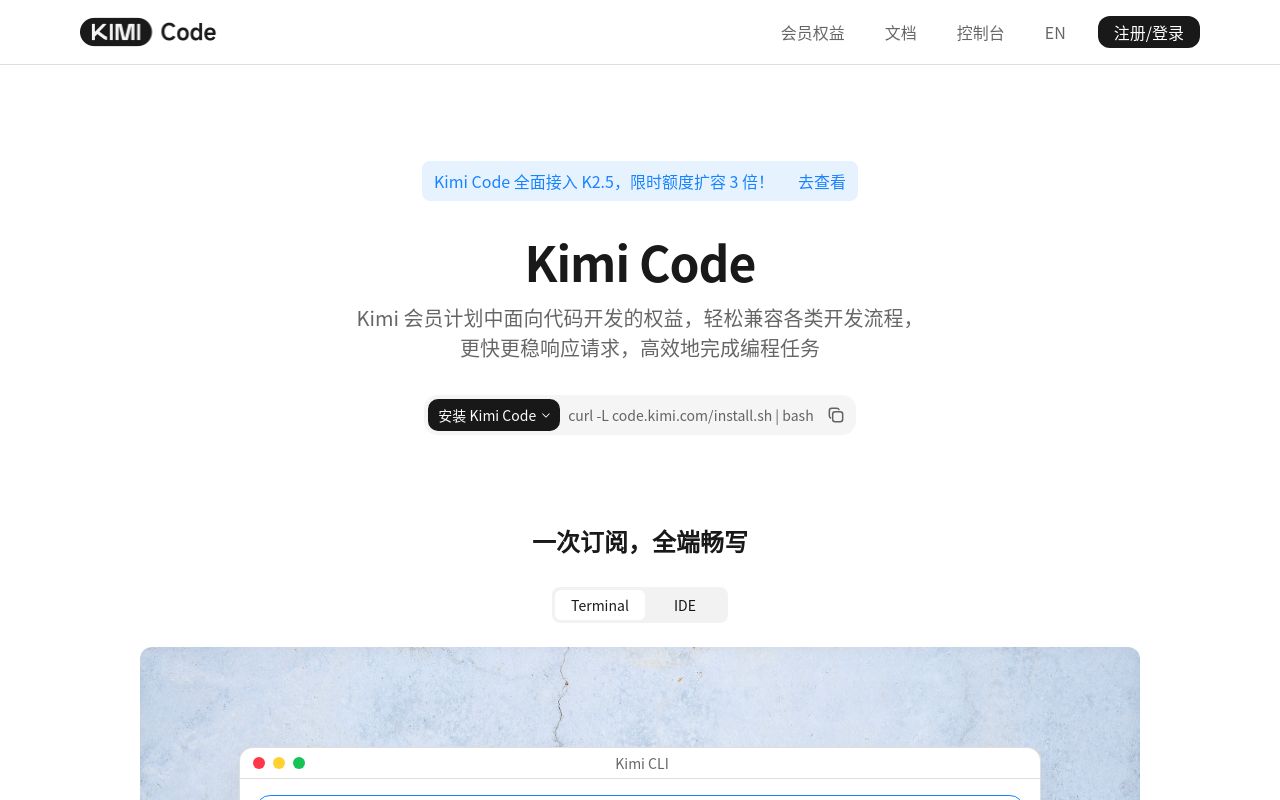
Kimi Code
A coding assistant from Kimi.
Alternatives
Tech stack
No tech stack added yet. Sign in to suggest some
Note: The official website could not be fetched when this entry was written, so the content below is compiled from publicly known information. For details such as pricing, plan quotas, and supported model versions, please refer to the official website.
Introduction
Kimi Code is an AI coding product from Moonshot AI (月之暗面) for developers, built on the Kimi family of large language models (such as the Kimi K2 series). It works mainly as a coding agent: you describe what you need in natural language, and the AI reads your project code, plans the steps, edits files, and runs commands when necessary to complete the coding task.
Key Features
- Terminal coding agent: It comes with a command-line tool, Kimi CLI, so you can work with the AI directly in the terminal to write code, refactor, track down bugs, and more.
- Codebase understanding: It can read and analyze your project structure and source code, and propose changes based on that context.
- File editing and command execution: It can edit files and run shell commands as the task requires, closing the loop from planning to execution.
- Extensibility: Kimi CLI supports MCP (Model Context Protocol), so you can connect external tools and data sources.
- Editor integration: Kimi CLI supports ACP (Agent Client Protocol), so it can be used in compatible editors such as Zed.
Target Users and Use Cases
It suits individual developers and teams who want to use AI to improve development efficiency, especially users who are used to working in the terminal, prefer interacting in Chinese, or want to use a domestic Chinese large model as their coding assistant. Common uses include quickly prototyping new features, getting to grips with an unfamiliar codebase, batch refactoring, writing tests, and fixing bugs.
Core Strengths
- Built on the Kimi large model, it has strong Chinese language understanding and performs well on coding and agent tasks.
- Its agent-style workflow goes beyond code completion and can carry out multi-step tasks on its own.
- The command-line tool is open source, so it can be combined flexibly with your existing development environment and editor.
Installation and Usage
Kimi CLI is a Python tool. It can generally be installed with uv, for example uv tool install kimi-cli; refer to the official documentation for the exact command. After installation, run kimi in your project directory and log in or configure your account as prompted.
Technical Requirements
- You need a network environment that can access Kimi services, plus a Kimi account or an appropriate plan.
- You need a local Python environment and tools such as uv. Refer to the official documentation for supported operating systems.
Worth Noting
- For changes generated and executed by the AI, we recommend using version control and reviewing them manually.
- Usage quotas, billing methods, and available models may change, so check the official website for the latest information.
Discover more

Codex
A software development tool from OpenAI.
Cursor
Cursor is a proprietary AI-assisted IDE built on Visual Studio Code. With a deep understanding of your project's context, it generates, refactors, debugs and documents code, significantly improving development speed and code quality.
HAJIMI Gemini API Proxy
HAJIMI Gemini API Proxy is a lightweight proxy server that makes it easier and more flexible to access the Google Gemini API, with features such as authentication and rate limiting.
Kilo Code
Kilo Code is an open-source AI coding agent that works in VS Code, JetBrains, the command line, a desktop app and the cloud. It supports 500+ models, bills at cost with no markup, and also lets you use your own keys or local models.

Orca
[Orca](https://www.onorca.dev/) is a desktop Agent Development Environment (ADE) built for the AI era. It is developed by Lovecast Inc., a San Francisco startup backed by Y Combinator, and released as open source under the MIT license. Orca's core idea is to shift the design center of the traditional IDE from "a single human developer" to "a human plus a fleet of AI agents." Users can run more than 25 AI coding agents at the same time, including [[Claude Code]], [[Codex]], Gemini, GitHub Copilot and OpenCode. Each task gets its own isolated [[Git Worktree]], which makes truly parallel development possible. Orca itself does not provide any AI models; users bring their own subscriptions (Bring Your Own Subscription) to connect the AI services they already use.
Parse Server
Parse Server is the open-source backend framework of the Parse Platform and can be deployed on any infrastructure that runs Node.js. It gives mobile and web apps backend capabilities such as data storage, user authentication, cloud functions and push notifications.