
tuios
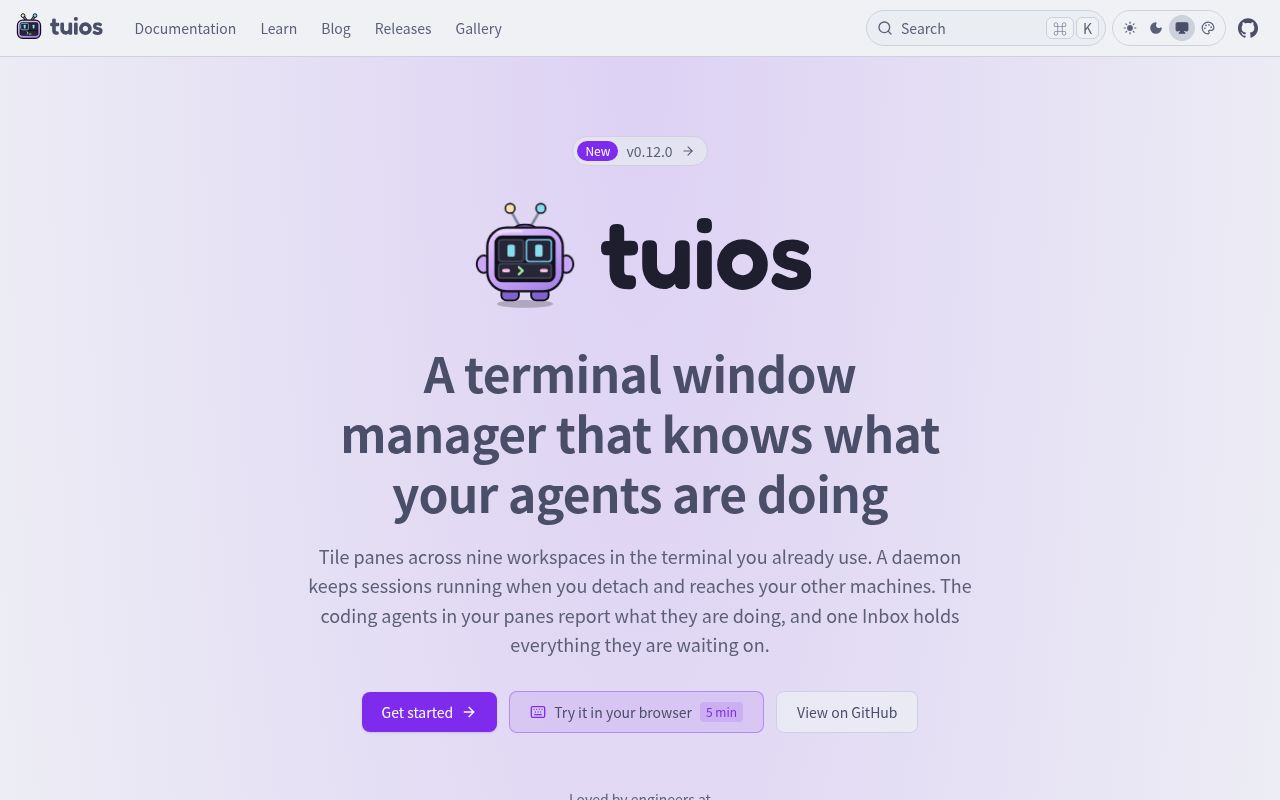
tuios is a tiling window manager that runs inside your terminal. Sessions keep running in the background after you detach, and a unified Inbox collects everything your coding agents in different panes are waiting on.
Alternatives
Tech stack
No tech stack added yet. Sign in to suggest some
tuios is a window manager that runs inside your existing terminal, and it can also be seen as a terminal multiplexer. It composites panes, floating windows, a dock and a sidebar into a single frame and outputs it to the host terminal. What sets it apart is that it is aware of what the coding agents running in your panes (such as Claude Code and Codex) are doing, and it shows everything that needs your attention in one place. The project is released under the MIT license, was created by Gaurav Gosain, and the latest version listed on the official website is v0.12.0.
Key features
- Visible agent status: Automatically detects agents such as Claude Code and Codex in your panes, and shows in the sidebar and pane titles whether they are working, waiting or done.
- Unified Inbox: Puts approval requests, questions and failures from all sessions into a single list. You can respond, snooze or dismiss items, and undo them if you make a mistake.
- Review and dispatch: You can view the diffs an agent produces and send it comments. You can also dispatch the same prompt to multiple agents, each in its own worktree, and keep the best result in the end.
- Multiple layouts: Supports BSP splits, a master-stack layout and scrolling columns. You can also turn tiling off and drag windows around with the mouse. According to the website, panes can be tiled across nine workspaces.
- Persistent sessions: A daemon owns all the PTYs and the programs running in them. Programs keep running after you detach or close the terminal, and you can reconnect later locally or over SSH.
- Multi-machine management: After adding a host with
tuios hosts add, you can connect to sessions on other machines from the same client, or run a single pane on that machine. - Searchable settings: All options live on one searchable page, and changed items are marked. It ships with more than 340 built-in themes, and borders, glyphs and backgrounds can be customized.
- Scriptable: Supports commands such as
send-keys,capture-paneandwait-for, as well as a JSON control protocol, and can replay tapes. - Other capabilities: kitty graphics protocol passthrough, a Vim-like copy mode, a command palette, a browser-based terminal, and a floating scratch terminal (by default, press
Ctrl+Band thengto bring it up). The official blog also mentions installing plugins from git and drawing Mermaid diagrams in the terminal withtuios mermaid.
Who it's for
- Developers who run several AI coding agents at once and want to check progress and handle approvals in one place.
- Users who are used to multiplexers like tmux and Zellij and want tiling windows and session persistence, but with a more intuitive window management experience.
- Operations and backend engineers who switch between multiple servers and want their sessions to survive dropped connections.
Installation and getting started
The installation methods listed on the website include Homebrew (brew install tuios), an install script, AUR, Nix and Go. After installing, just run tuios. If the daemon isn't running, it starts automatically and connects you to a session.
Common default keys:
n: Create a new window.iorEnter: Enter terminal mode.Ctrl+BthenEsc: Return to window mode.t: Toggle tiling.Ctrl+P: Command palette.Ctrl+Bthend: Detach and keep everything running.?: Help.
The website also offers an interactive tutorial of about 5 minutes in the browser, so you can practice the keys without installing anything.
Things to note
- tuios runs inside your existing terminal; it is not a standalone terminal emulator.
- The website warns that tuios is published only on tuios.dev and the GitHub repository, has no X/Twitter account, and any account claiming to offer a tuios token or presale has nothing to do with the project.
Discover more
Ghostty
Ghostty is a fast, feature-rich, cross-platform terminal emulator that uses a platform-native UI and GPU acceleration.
Otty
Otty is a native, GPU-accelerated terminal emulator built around a clean, keyboard-first interface and smooth typing. It also gives code agents running in the terminal parallel task monitoring, session history, and a prompt queue.
Kitty
kitty is a fast, feature-rich, cross-platform, GPU-rendered terminal emulator for people who spend a lot of time working in the terminal. It comes with tabs, window layouts, remote control and a set of extension utilities (kittens).
BlackHole
BlackHole is a virtual audio loopback driver for macOS that lets apps pass audio directly to other apps with no added latency. It suits streamers, podcasters, online instructors, and anyone else who needs to route audio between apps.

ChartDB
A powerful open-source database diagram editor that requires no installation and no database password, letting you visualize your database schema with a single query
DeepSeek Harness
DeepSeek Harness (command-line name: dsh) is an open-source agent harness developed by DeepSeek AI. It uses an "everything is a plugin" architecture and is built on Cordis. It is currently in developer preview, and you can launch the Web UI with npx.