
Ego lite Browser
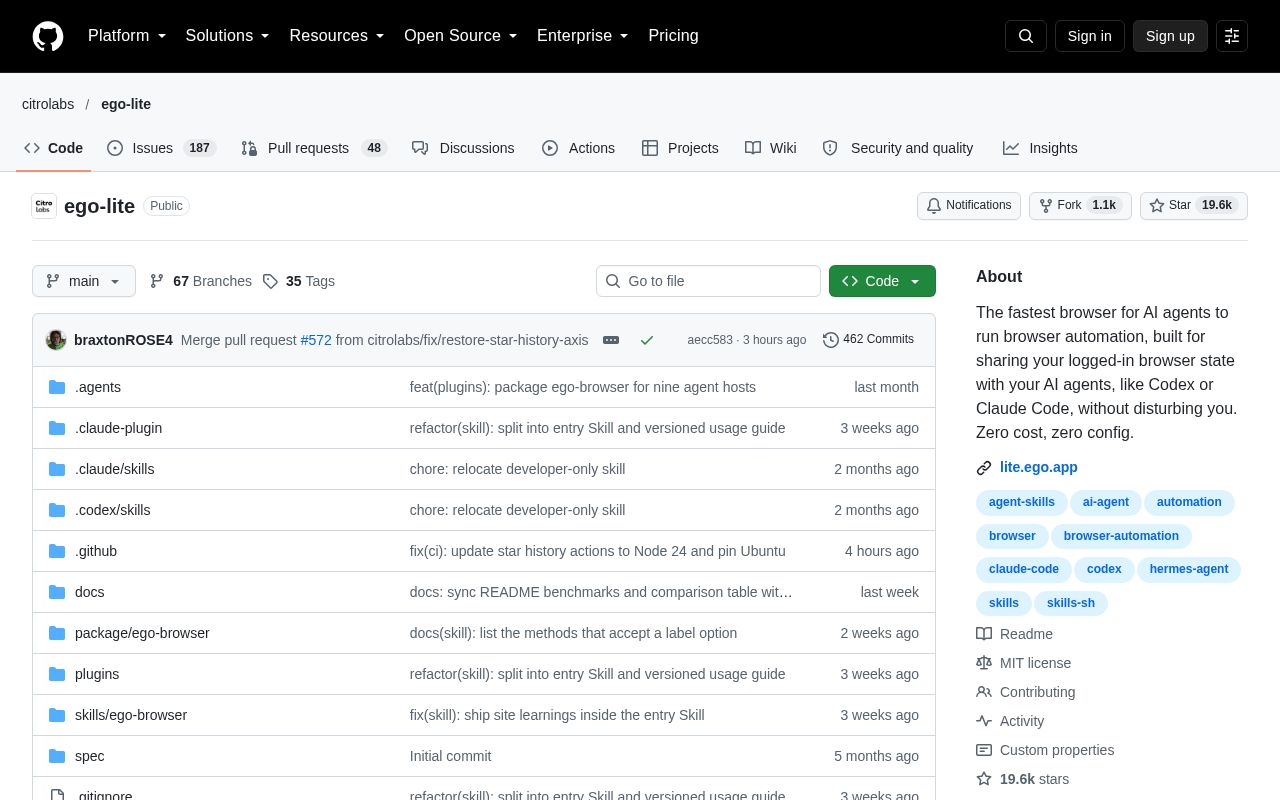
ego lite is a browser shared by users and AI agents. Agents such as Claude Code and Codex run web automation tasks in separate Spaces, so they never take over your own tabs, and they can reuse the logged-in state of your browser.
Alternatives
Tech stack
No tech stack added yet. Sign in to suggest some
ego lite is a browser designed for people and AI agents to work side by side. Each agent's browser tasks run in its own separate workspace (Space) inside the browser, while you keep browsing in your own Space. Agents never take control of your browser away from you.
Unlike automation tools such as browser-use and agent-browser, ego lite is a complete browser in its own right. According to the official description, tools like those are merely bridges that connect to a browser, so you need to set up a separate browser for them to drive. Your browsing data often can't be carried over in full, the connection isn't always stable, and people and agents end up fighting over control of the browser.
Key Features
- One dedicated Space per agent: Spaces are fully isolated from one another. You can see at any time which Space has an agent running, and you can take over or stop it whenever you like.
- Parallel multitasking: Each Space can be given to a different agent or task, and they all run at the same time. Examples from the official materials: Claude Code uses 10 parallel Spaces to fill in 10 leads, and Codex uses 5 Spaces to scrape 5 competitor websites.
- Code-based rather than command-line-based: Browser capabilities are wrapped as JavaScript functions, so agents write code directly and combine multi-step tasks into a single output. The official materials say this makes complex workflows faster, with fewer tool calls and lower cost.
- Page snapshots (Snapshot): Web pages are converted into structured text so that text-only models can "see" and operate the page. The official materials say it can handle tricky cases such as deeply nested iframes.
- Connect any agent through
ego-browser:ego-browseris the connection layer between an agent CLI (Claude Code, Codex, Cursor, or a custom agent) and ego lite. It provides in-page tools such as snapshot, fill, click, wait, navigate, and capture. - Inherit Chrome data: On first launch, it asks whether you want to migrate your Chrome data. If you choose to migrate, agents can use your existing login state, cookies, extensions, and bookmarks.
- Accumulated experience (marked "coming soon" by the official materials): The official Skill turns successful operations into reusable tools and workflows, and the official materials say similar tasks can be up to 5x faster.
Target Users and Use Cases
It suits developers and power users who already use agent CLIs such as Claude Code and Codex and want them to operate directly on the websites they're logged in to. Typical scenarios include bulk information gathering, scraping multiple websites in parallel, web operations that require a logged-in session, and letting agents work in the background without interrupting your own browsing.
Installation and Deployment
Currently macOS is supported, with both Apple Silicon and Intel .dmg installers available. A closed beta for Windows is about to begin, and Linux is on the roadmap. There are three ways to install:
- Download and install the macOS app. During installation, the
ego-browserskill is automatically added to the skills directory of each agent on your machine. - Install only the skill:
npx skills add citrolabs/ego-lite. The first time an agent runs a browser task, it will guide you through installing the ego lite app. - Give the repository address to your agent and have it read
skills/ego-browser/references/install.mdand install by following the steps.
After installation, type /ego-browser in your agent CLI, then describe your task in natural language.
Notes
- The official materials state that browsing data, cookies, and similar content are stored locally on your device, and that only simple product signals, such as whether ego lite is set as your default browser, are collected.
- The contents of the GitHub repository (the skill, etc.) are under the MIT license, while the ego lite browser itself is offered separately as a free download.
- Official resources include a documentation site (lite.ego.app/document/), Discord, and a GitHub Discussions community.
Discover more
BrowserOS neo
BrowserOS neo (formerly BrowserClaw) is an open-source browser that runs locally and is built for AI agents such as Claude Code, Cowork, Codex and Cursor to drive over MCP, using the accounts you're already logged in to. You can watch every step the agent takes in real time and replay the whole session afterward.
Aside
Aside is a browser redesigned for both people and AI agents. It works directly with the websites and accounts you're already logged into, handling complex browser tasks for you such as messaging, payments, and internal tool operations.
Claude Relay Service
Claude Relay Service (CRS) is a self-hosted, open-source AI API relay service. It brings Claude, OpenAI (Codex), Gemini, Droid and other accounts together in one place, supports rotation across multiple accounts, assigns each user an independent API Key, and provides usage statistics and a web admin dashboard.

Dia
Dia Browser is a modern Chromium-based browser developed by The Browser Company of New York. Beyond regular web browsing, it includes a powerful built-in AI chat assistant (also called Dia) that can help you find information, answer questions, work with files, and more.
Apple Reminders
Apple Reminders is the to-do and reminder app built into Apple devices, which you can use to keep track of things to do, buy, and watch. It supports lists, subtasks, tags, smart lists, sharing, and grocery lists.
BiliNote
BiliNote is an open-source AI video note generator that helps users quickly turn videos from platforms such as Bilibili, YouTube, and Douyin into structured Markdown notes.