
clipse
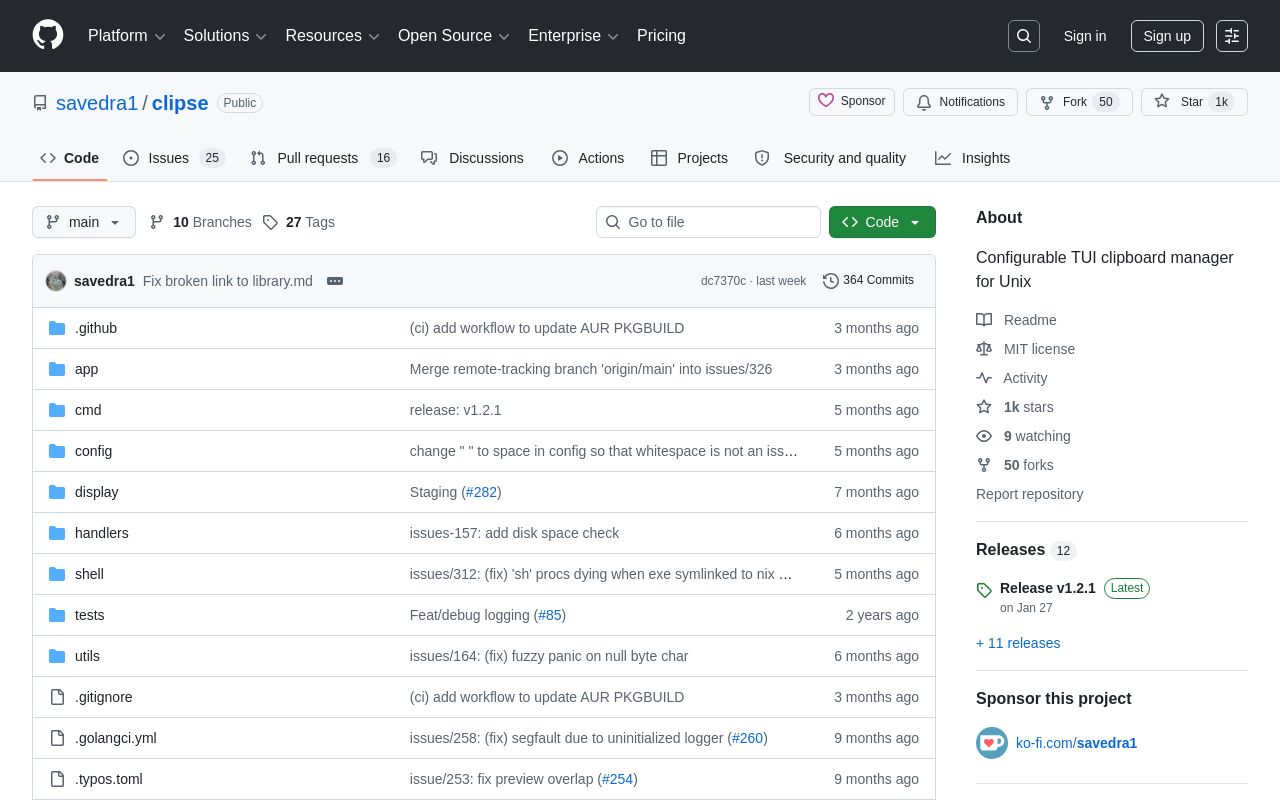
A clipboard manager with a terminal user interface (TUI)
Alternatives
Tech stack
No tech stack added yet. Sign in to suggest some
Note: We couldn't fetch the official site (the GitHub repository page) this time. The content below is compiled from existing knowledge of the project, so please refer to the repository README for specific details.
Introduction
clipse is an open-source clipboard manager whose interface runs in the terminal. It is written in Go and targets Unix-like systems, mainly Linux desktops. It listens to the clipboard in the background, records the text (and images) you copy, and lets you view and reuse your history through a keyboard-driven TUI.
Key Features
- Clipboard history: A background process continuously records what you copy, so you can look back and copy items again at any time.
- Terminal interface: Runs in the terminal and is operated mainly with the keyboard, which suits users comfortable with the command line.
- Search and filtering: Quickly find the entry you need in your history.
- Pinned entries: Pin frequently used content so it's easy to reuse again and again.
- Image support: Can record and preview image clipboard content (depending on your terminal and environment).
- Configurable: Adjust behavior such as theme colors and the history limit through a configuration file.
Target Users and Use Cases
- Linux users on tiling window managers (such as Hyprland, Sway, or i3) who want a lightweight clipboard tool that can be bound to a keyboard shortcut;
- Developers and system administrators who work in the terminal a lot and need to paste commands, paths, or code snippets repeatedly;
- Users who want to replace the graphical clipboard manager that comes with their desktop environment and prefer something minimal and customizable.
Core Strengths
- Lightweight with few dependencies; the interface is the terminal itself, so no extra graphical components need to be installed;
- Works well with window managers: you can bind opening clipse to a keyboard shortcut and have it pop up in a floating terminal window;
- Supports both Wayland and X11 sessions;
- Open source, so you can modify and extend it yourself.
Installation and Usage
Common installation methods include Linux distribution package repositories (for example, the AUR for Arch Linux, or Nix), as well as installing from source with the Go toolchain. Please refer to the repository README for specific package names and commands.
Typical usage is as follows:
- Run clipse's background listener process when your session starts (for example, by adding it to your window manager's autostart configuration) so it begins recording the clipboard;
- Bind a keyboard shortcut to open the clipse interface, usually running it in a floating terminal window;
- Browse, search, and select an entry in the interface to copy it back to the clipboard.
Technical Requirements
- A Unix-like system, mainly Linux;
- A terminal emulator;
- Depending on your display server, you may need to install the corresponding clipboard tools (for example, wl-clipboard on Wayland). Please check the project documentation for specific dependencies.
Discover more

Orca
[Orca](https://www.onorca.dev/) is a desktop Agent Development Environment (ADE) built for the AI era. It is developed by Lovecast Inc., a San Francisco startup backed by Y Combinator, and released as open source under the MIT license. Orca's core idea is to shift the design center of the traditional IDE from "a single human developer" to "a human plus a fleet of AI agents." Users can run more than 25 AI coding agents at the same time, including [[Claude Code]], [[Codex]], Gemini, GitHub Copilot and OpenCode. Each task gets its own isolated [[Git Worktree]], which makes truly parallel development possible. Orca itself does not provide any AI models; users bring their own subscriptions (Bring Your Own Subscription) to connect the AI services they already use.
Tantivy
`tantivy` is a **full-text search engine library written in Rust**. You can think of it as "Lucene for Rust." In short: - It's used for **full-text search** (keyword search, relevance scoring and ranking, inverted indexes) - It is not a complete search service (it isn't an out-of-the-box server like Elasticsearch), but an **embeddable library** - It's a good fit for building search into your own application, with strong performance and controllable resource usage Common use cases: - Document search - Log search - Site search - Systems that need a high-performance local index Relationship with Quickwit: - Quickwit (a log search engine) uses Tantivy under the hood as one of its core indexing components.
ish
iSH is a Linux shell environment that runs directly on iOS devices, enabling users to execute Linux commands and applications on their iPhones and iPads without jailbreaking.
Whispering
Whispering is a transcription service within the Epicenter project, converting audio to text.

Codex
A software development tool from OpenAI.
HAJIMI Gemini API Proxy
HAJIMI Gemini API Proxy is a lightweight proxy server that makes it easier and more flexible to access the Google Gemini API, with features such as authentication and rate limiting.