
WezTerm
WezTerm is a cross-platform terminal emulator developed by Wez Furlong, configured with Lua and featuring built-in tabs, split panes and multiplexing. It supports Windows, macOS, Linux, FreeBSD and NetBSD.
Alternatives
Tech stack
No tech stack added yet. Sign in to suggest some
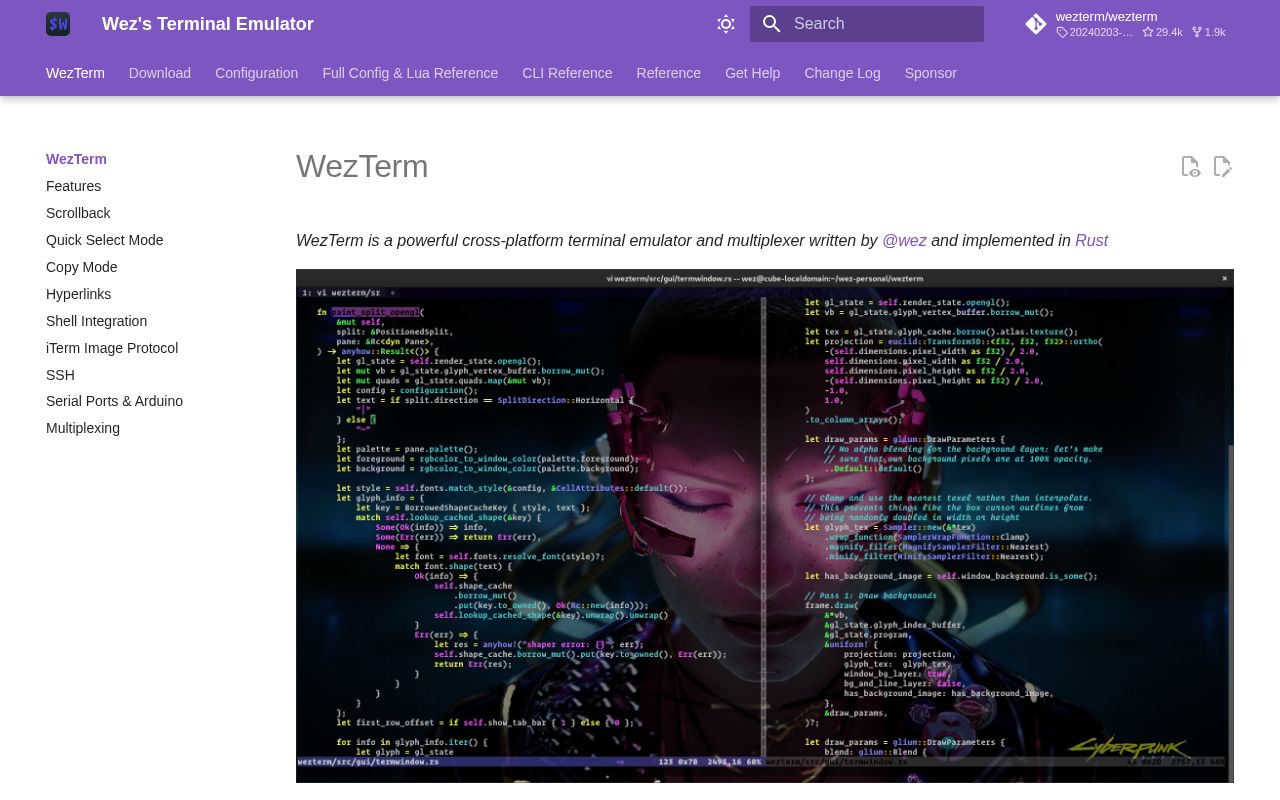
WezTerm is a cross-platform terminal emulator. The project is hosted on GitHub at wezterm/wezterm. The official documentation site describes it as "Wez's Terminal Emulator". This time I was only able to capture the navigation and documentation table of contents from the official homepage, not the homepage body text. So what follows is based on the documentation table of contents, and I haven't included any specific performance figures.
Key features
- Lua configuration: Configuration is written in Lua, and the documentation includes a full reference of configuration options and the Lua API. You can attach event callbacks in your configuration to add dynamic logic, such as a custom tab bar and status bar.
- Tabs, split panes and workspaces: Built-in multiple tabs and pane splitting, with support for Workspaces and sessions.
- Multiplexing: Built-in Multiplexing lets you connect to local Unix domains, SSH domains, TLS domains and WSL domains.
- Scrollback and search: Supports a scrollback buffer (Scrollback) and search.
- Quick Select and Copy Mode: Quick Select mode lets you pick text on the screen, such as paths and hashes, quickly with the keyboard. Copy Mode moves the cursor and selects text using the keyboard.
- Hyperlinks and shell integration: Detects hyperlinks in terminal output and supports Shell Integration.
- Image protocol: Supports the iTerm image protocol (imgcat).
- SSH and serial ports: Includes built-in SSH client functionality and can also connect to serial devices; the documentation specifically mentions the Arduino use case.
- Appearance and fonts: Offers a large number of color schemes, supports background images, gradients and transparency, and also supports font fallback and font shaping (Font Shaping).
- Key bindings and input: Supports custom key and mouse bindings, Key Tables and a Command Palette. Keyboard encoding supports CSI u and the Kitty keyboard protocol.
- Plugins: Functionality can be extended through a plugin mechanism.
Target users and use cases
It suits developers, operations engineers and embedded developers who work on the command line a lot. If you want to use the same terminal configuration across different operating systems, or want to customize terminal behavior with Lua scripts, WezTerm is a good fit. It also works well if you want to rely less on external tools like tmux and manage remote sessions with the terminal's own multiplexing.
Installation and deployment
The official site provides installation instructions for Windows, macOS, Linux, FreeBSD and NetBSD, and you can also build from source. For the exact installation steps and the package format for each platform, please refer to the official download page. The configuration file lives in the user configuration directory and is written in Lua; it can reload automatically after you change it.
Worth noting
- Configuration is highly flexible, but you need to write your own Lua configuration. The official documentation consists mainly of a reference manual and Recipes.
- The project is open source, with the repository on GitHub. The official site has a sponsorship page where you can support the author.
Discover more
Ghostty
Ghostty is a fast, feature-rich, cross-platform terminal emulator that uses a platform-native UI and GPU acceleration.
Kitty
kitty is a fast, feature-rich, cross-platform, GPU-rendered terminal emulator for people who spend a lot of time working in the terminal. It comes with tabs, window layouts, remote control and a set of extension utilities (kittens).
Otty
Otty is a native, GPU-accelerated terminal emulator built around a clean, keyboard-first interface and smooth typing. It also gives code agents running in the terminal parallel task monitoring, session history, and a prompt queue.
tuios
tuios is a tiling window manager that runs inside your terminal. Sessions keep running in the background after you detach, and a unified Inbox collects everything your coding agents in different panes are waiting on.

Atomic Server
Knowledge graph database with documents (similar to Notion), tables, search, and a powerful linked data API. Lightweight, very fast and no runtime dependencies.

Audioserve
Simple personal server to serve audio files from directories (audiobooks, music, podcasts...). Focused on simplicity and supports sync of play position between clients.