
Hex
Hex is a local voice dictation tool for Mac, Windows and Linux. Hold a shortcut key and speak, and when you release it, the recognized text is typed right where your cursor is.
Alternatives
Tech stack
No tech stack added yet. Sign in to suggest some
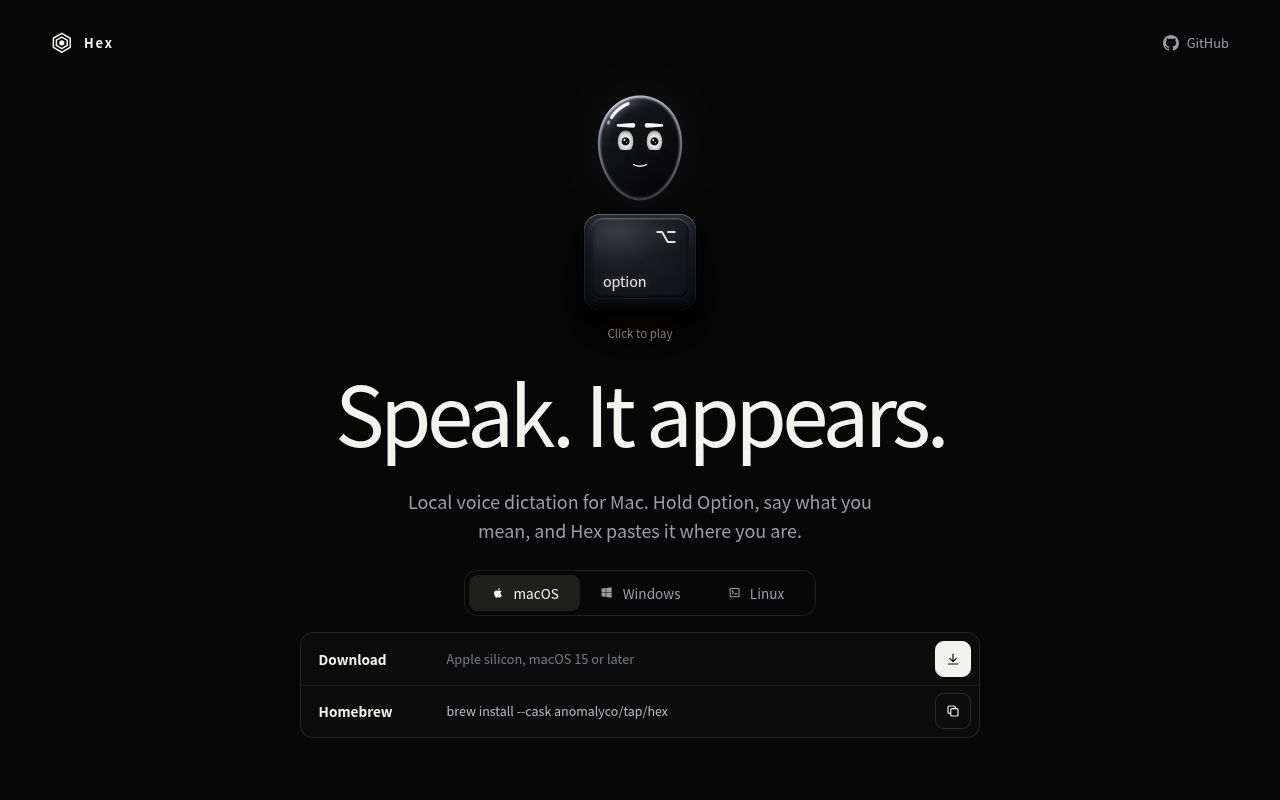
Hex is a local voice dictation app from Anomaly for Mac, Windows and Linux. The website describes it as "Speak. It appears.": hold a shortcut key, say what you want to write, and when you release it, the text is pasted at the current cursor position.
Key features
- Hold to talk: In the website's example on Mac, you hold the Option key to speak and release it to type the text.
- Works in any app: Text is entered at the cursor position, and isn't limited to a particular editor or app.
- Local dictation: The website positions it as private, local voice dictation.
- Cross-platform: Versions are available for macOS, Windows and Linux.
Target users and use cases
It suits users who want to dictate instead of typing and care about privacy, for example when writing documents, replying to messages, taking notes, or quickly entering text in all kinds of apps. It can also serve as an alternative to cloud dictation services.
Installation and deployment
macOS
- The website offers a DMG download for Apple silicon, and requires macOS 15 or later.
- You can also install it with Homebrew:
brew install --cask anomalyco/tap/hex
Windows
- Installers are available for x64 and ARM64.
- You can also install it with a PowerShell install script.
Linux
- A one-line install script is provided:
curl -fsSL https://anoma.ly/hex/install-linux.sh | sh - Packages are available for Debian, Fedora, Nix, AUR and more.
- Binaries are provided for x64 and ARM64.
Worth noting
- The website links to its GitHub repository (anomalyco/hex).
- The headline on the website's front page reads "Local voice dictation for Mac", while it also states that Windows and Linux are supported.
- The website doesn't state which recognition model it uses, which languages it supports, or its license. Please check the GitHub repository before use.
Discover more
Voila
Voilà is a dictation tool that lives in the Mac menu bar. Hold a hotkey and speak, release it, and the text is pasted at your cursor in real time. It handles mixed English, Chinese and French, and can also work offline with its built-in local model.
Otty
Otty is a native, GPU-accelerated terminal emulator built around a clean, keyboard-first interface and smooth typing. It also gives code agents running in the terminal parallel task monitoring, session history, and a prompt queue.

Snipaste
Snipaste is an easy-to-use screenshot tool that lets you pin screenshots to the screen, making it easier to work with information.
Superwhisper
Superwhisper is an AI-powered speech-to-text app for macOS and iOS, developed by SuperUltra, Inc. It uses advanced AI to convert speech into highly accurate text in real time, with seamless integration across apps and smart context handling.
VocoType
VocoType is an AI-powered speech-to-text tool. Unlike the Siri or iFLYTEK voice input we're used to, its core philosophy is "Local First." This means all speech processing, recognition, and transcription happen entirely on your own computer, with no internet connection required and no audio data ever uploaded.
voice input
voice input is an open-source speech-to-text tool that can be used completely offline.