
Tabbit Browser
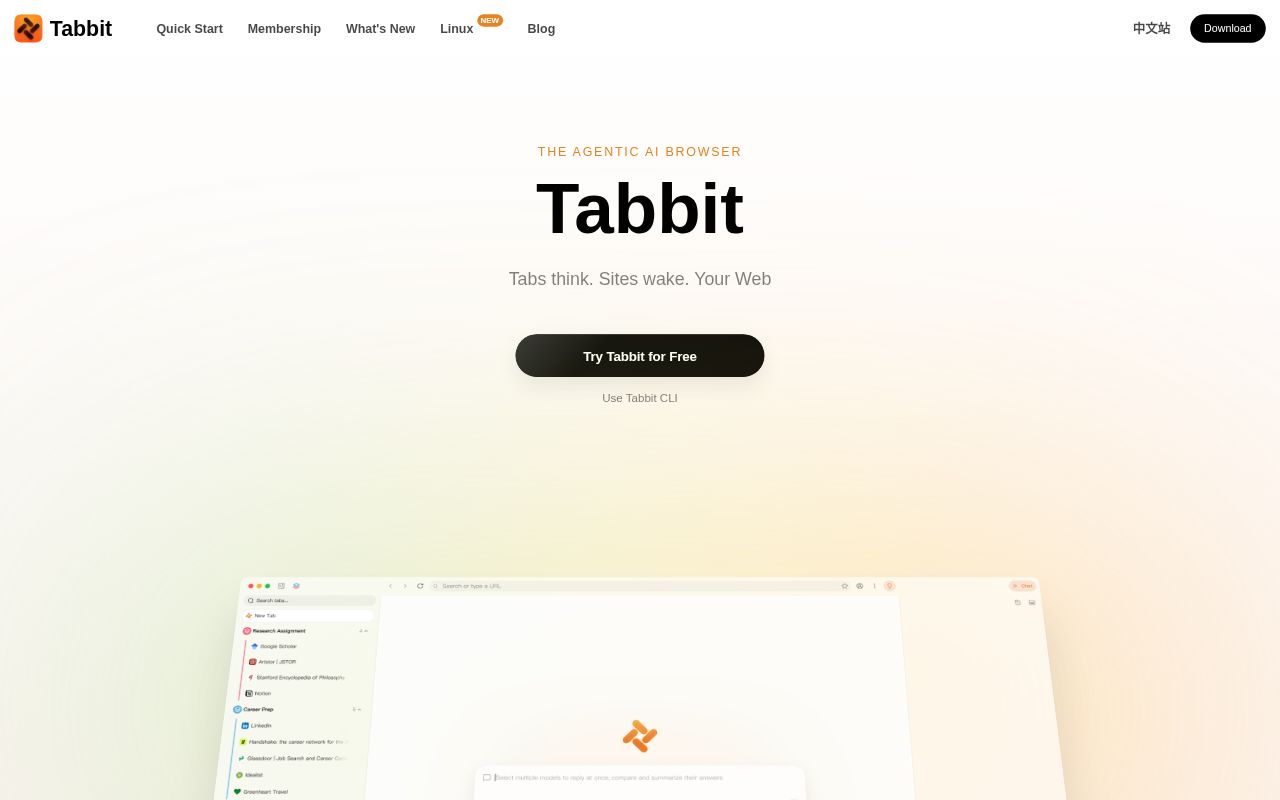
Tabbit is an AI-native agentic browser that understands context such as tabs, files, and screenshots. It lets you chat with web pages, use Agents to automate tasks, and create custom Skills. The browser itself is free and is available for macOS and Windows.
Alternatives
Tech stack
No tech stack added yet. Sign in to suggest some
Tabbit is developed by Lumina Lab, a Singapore-based company, and positions itself as an "Agentic AI Browser." It puts AI directly into the browser, where it can read what you currently have open and carry out research, organizing, and repetitive web tasks on your behalf.
Key features
- Context awareness: Goes beyond reading tabs. It can also work with PDFs, bookmarks, HTML elements on a page, closed tabs, screenshots, highlighted content, and local files. Use @ to hand a tab, file, screenshot, or a freshly selected element to the AI.
- Agent automation: The Agent reads content, makes a plan, and carries out tasks. The official website describes multi-agent collaboration, with roles such as research, operations, writing, and data analysis, each loaded with the relevant Skills.
- Skills: The official website says it offers about 2,000 agent Skills covering the top 100 most-used websites, including YouTube, Bilibili, Reddit, GitHub, and Gmail. Users can also build their own Skills, for example by turning frequently used prompts into a Skill and calling it with /.
- Site MCPs and Agent Memory: Site MCPs and agent memory are available. The official website also mentions a Tabbit CLI.
- Multi-model support: Supports leading models such as GPT, Claude, Gemini, DeepSeek, Kimi, Qwen, GLM, Doubao, and MiniMax. The official website says new models become available within 12 hours of release. The model currently in use is shown at the top of the chat window.
- Smart tab organization: Can organize tabs automatically, and also offers features such as explaining selected text and a writing assistant.
- One-click migration: Import history, bookmarks, extensions, and settings from Safari, Edge, or Chrome.
Target users and use cases
- Researchers, content creators, podcasters, and tech bloggers who need to read, search, and consolidate a lot of web content.
- Productivity-minded users who want AI to handle repetitive web work such as email, subscriptions, papers, videos, and GitHub PRs.
- Users who want to switch between multiple large models in a single browser.
Privacy and data
- The official website says browsing history, bookmarks, highlights, and chats are encrypted on the device.
- When sync is enabled, data is stored with compliant cloud providers in Singapore or the user's own region.
- Prompts sent to models go only to the model provider the user has chosen. Tabbit itself does not relay, log, or mirror conversations.
- The official website says it does not sell user data or use it to train models, and states that its security controls have passed an independent SOC 2 Type I review.
Pricing and platforms
- The browser itself is free forever. AI features come with a free quota that resets weekly (the Trial plan).
- Setting Tabbit as your default browser gives you a free upgrade to the Standard plan, with 10 times the usage of Trial.
- Pro is an optional paid tier for users who need top-tier models and heavy Agent use.
- Supports macOS 12+ (Apple Silicon and Intel) and Windows 10+. Linux and mobile versions are still planned.
- To install, download the installer from the official website. After that it updates automatically in the background, similar to Chrome.
Worth noting
Tabbit is a closed-source commercial product and cannot be self-hosted. Its AI features require an internet connection and depend on third-party model services.
Discover more
BrowserOS neo
BrowserOS neo (formerly BrowserClaw) is an open-source browser that runs locally and is built for AI agents such as Claude Code, Cowork, Codex and Cursor to drive over MCP, using the accounts you're already logged in to. You can watch every step the agent takes in real time and replay the whole session afterward.
Aside
Aside is a browser redesigned for both people and AI agents. It works directly with the websites and accounts you're already logged into, handling complex browser tasks for you such as messaging, payments, and internal tool operations.
Ego lite Browser
ego lite is a browser shared by users and AI agents. Agents such as Claude Code and Codex run web automation tasks in separate Spaces, so they never take over your own tabs, and they can reuse the logged-in state of your browser.
Factory Droid
Factory Droid is Factory's terminal AI coding agent. Through an interactive terminal UI (TUI), you can delegate an entire ticket, refactor, or investigation to Droid. It supports slash commands, resumable sessions and missions, as well as Skills, MCP, hooks, and plugins.
Craft
Craft is a productivity app that combines notes, documents, tasks, a calendar, whiteboards and daily notes. It syncs across devices and also offers sharing and publishing, as well as AI-assisted writing.
GitHub Copilot CLI
GitHub Copilot CLI is GitHub's AI coding agent for the terminal. It can read, write, and run code from the command line. It connects directly to GitHub issues and pull requests, and can take you all the way from planning to merging your code.